.png)
How to Complete a Site Form via Share Link
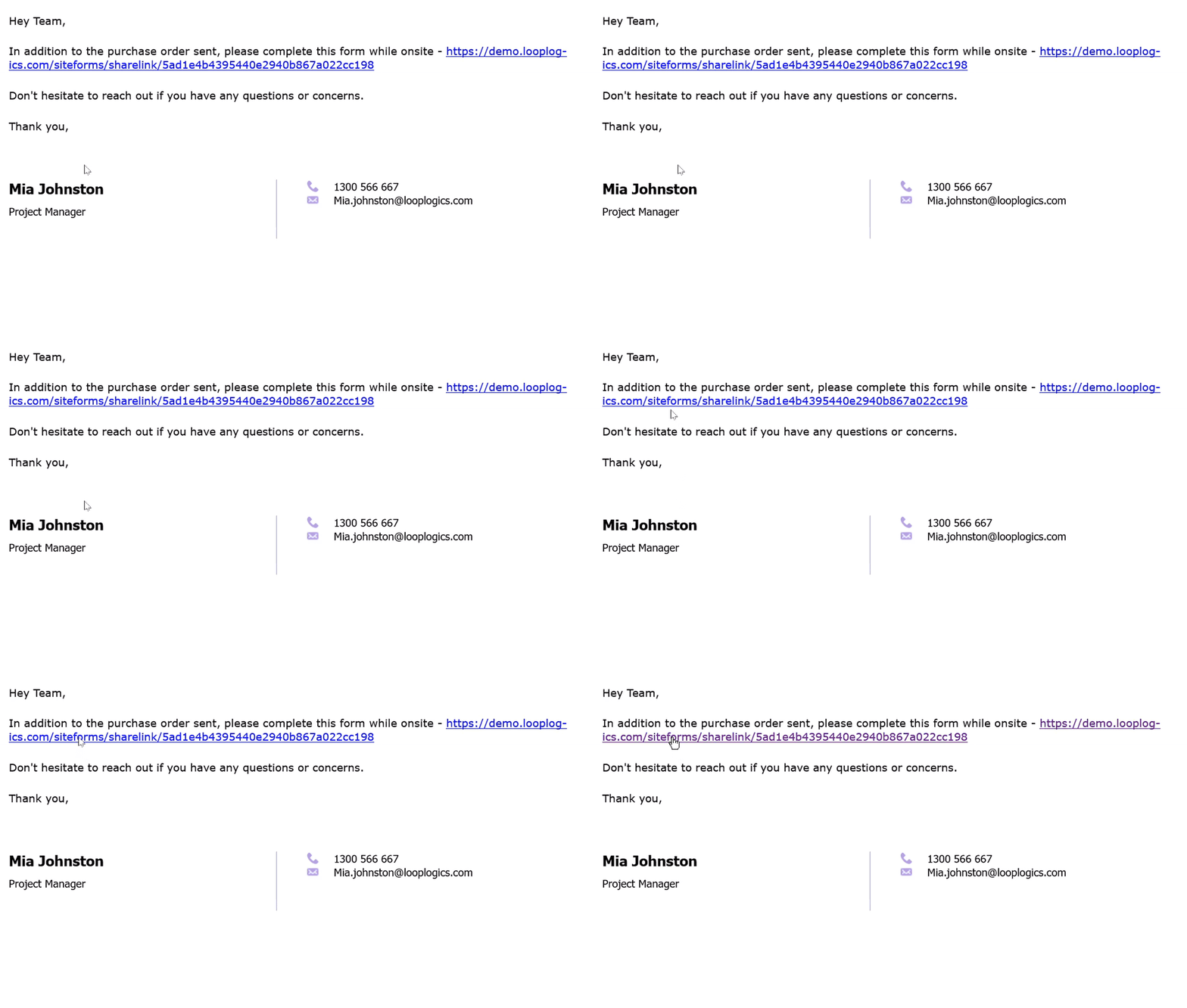
💡Site forms can be completed by anyone with a share link, without needing to log in to Loop Logics. You'll first receive a link to the site form via email or SMS clicking it takes you straight to the form.
Steps:
- Click the link you received via email or SMS. This takes you directly to the site form you need to complete.
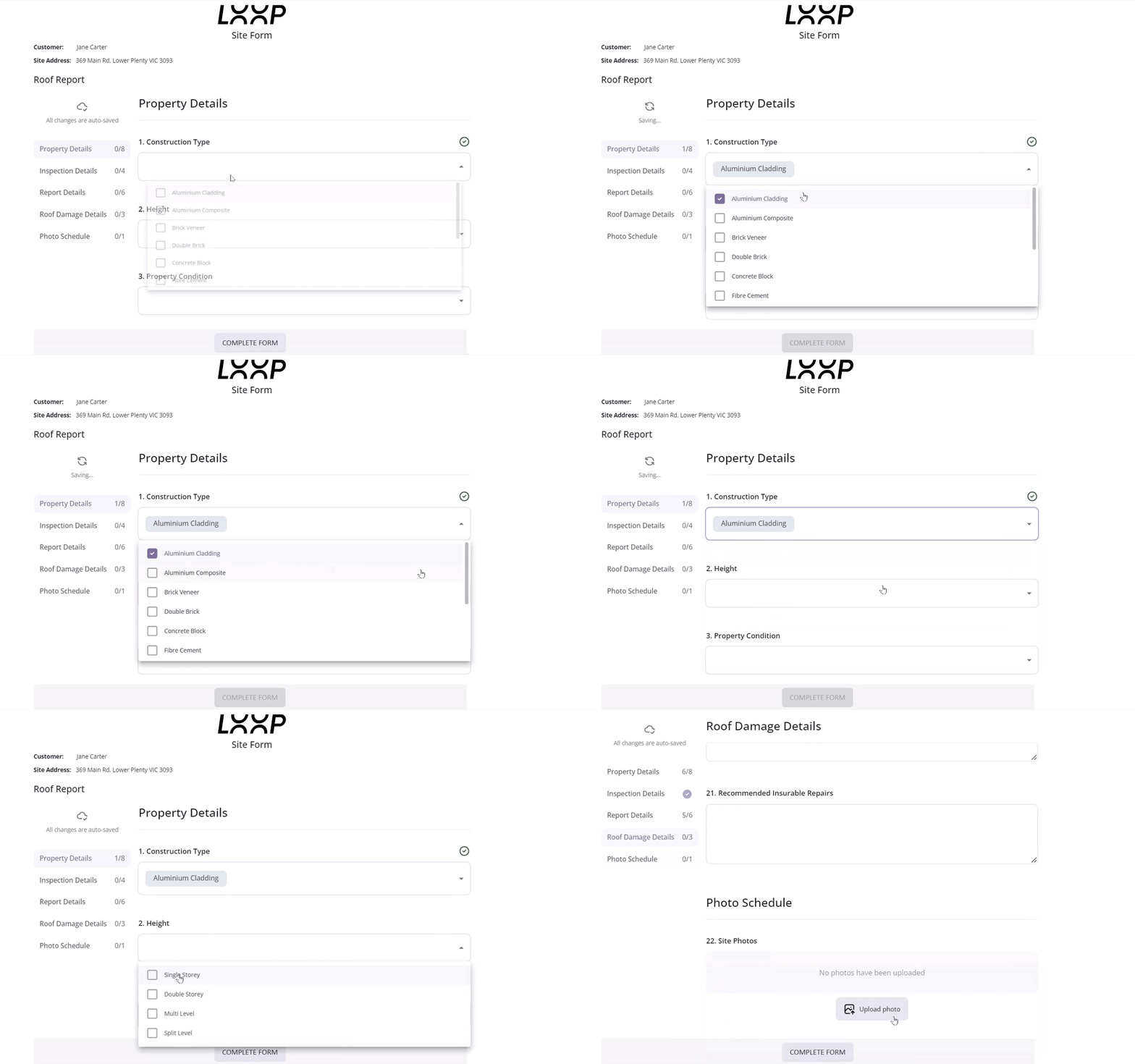
- Fill out the fields as required.
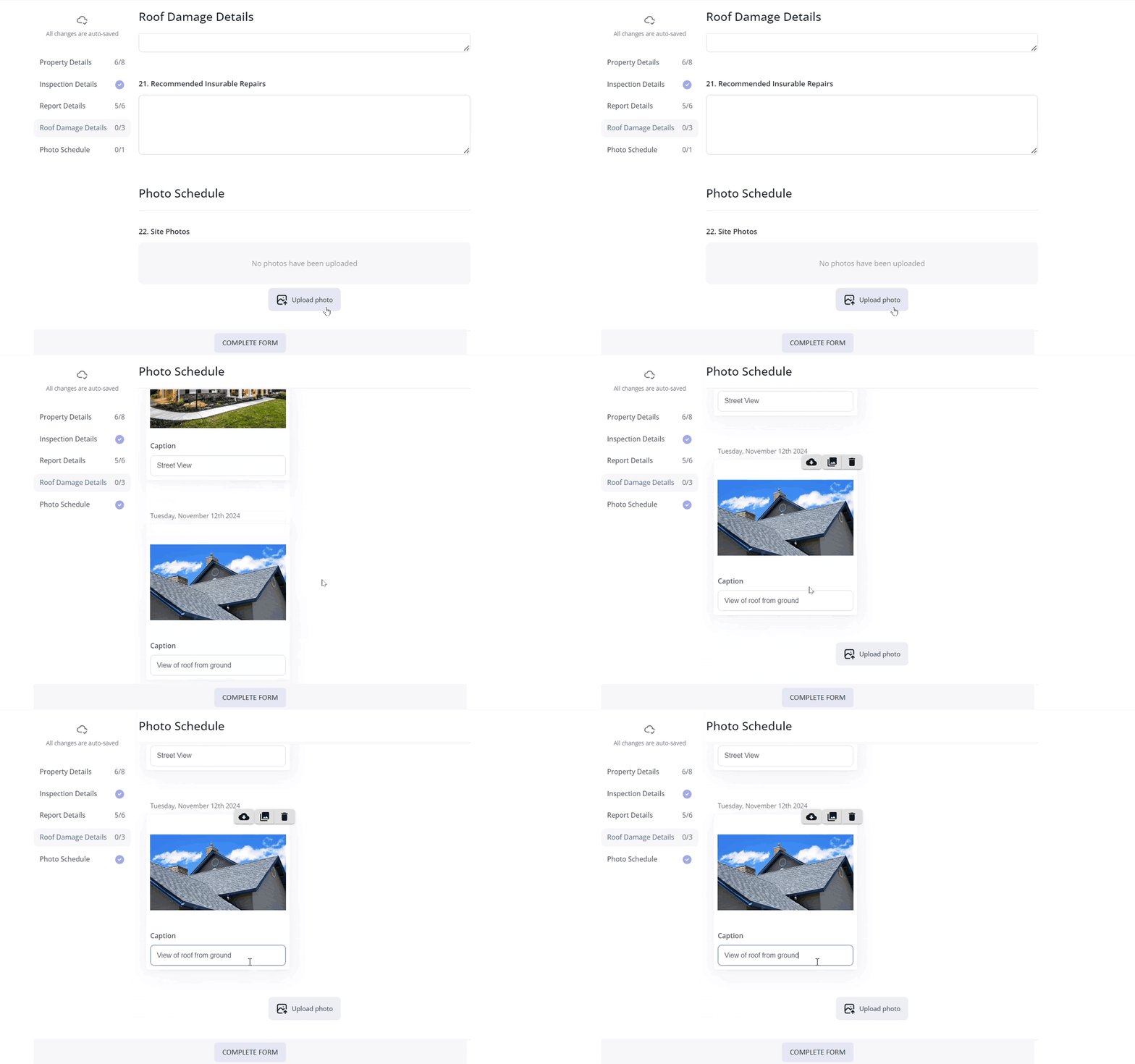
- To upload photos, select the Upload Photo button. If you're completing the form on your mobile device, you'll be given the choice to upload from your photo library, take a photo, or choose files. Selecting photo library lets you choose photos from your camera roll. Upload your photos and edit the caption if needed.
- Once you've entered all the required information, select Complete Form.
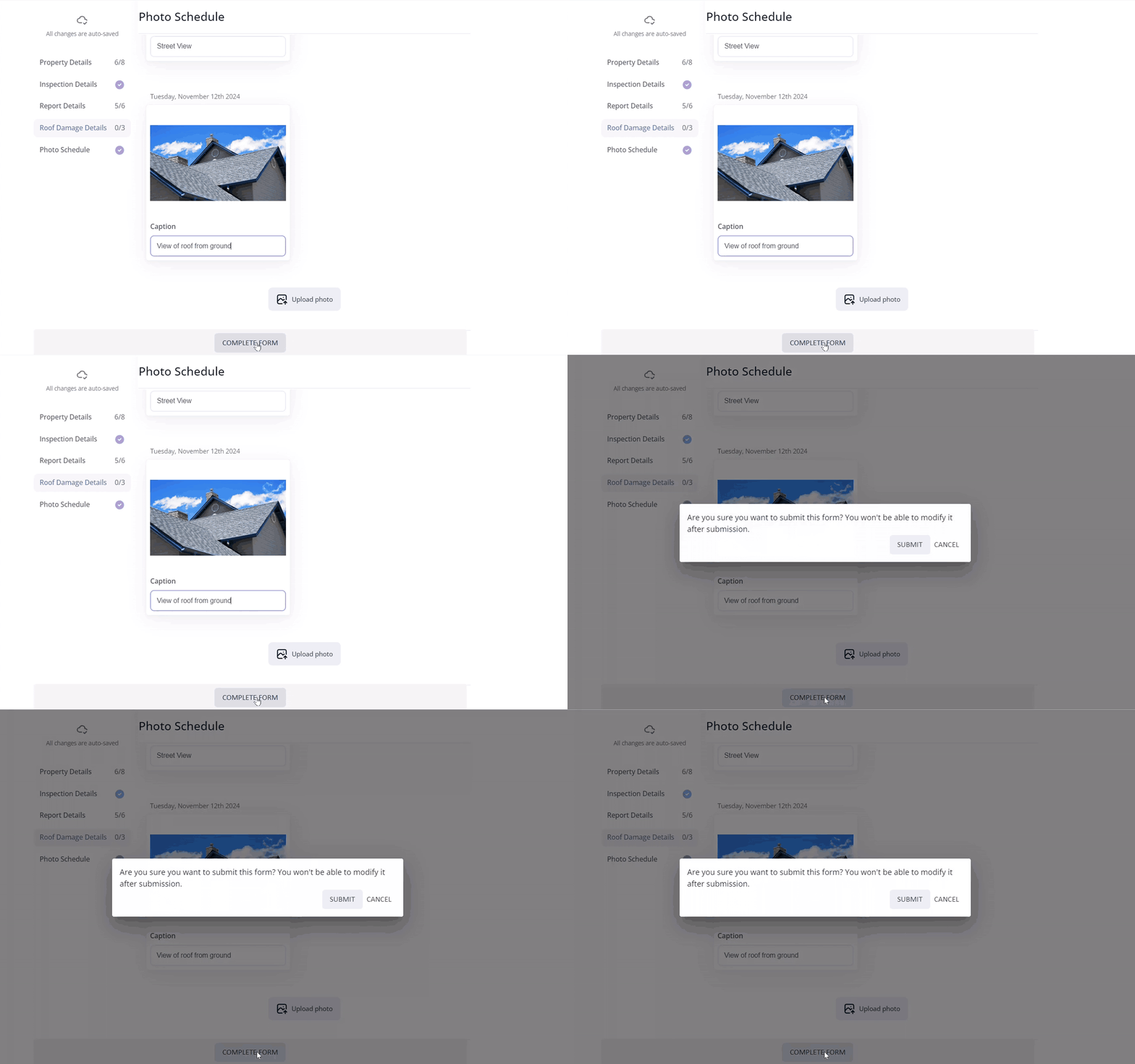
- A box will appear confirming you want to submit the form, note that once submitted, it can't be modified.
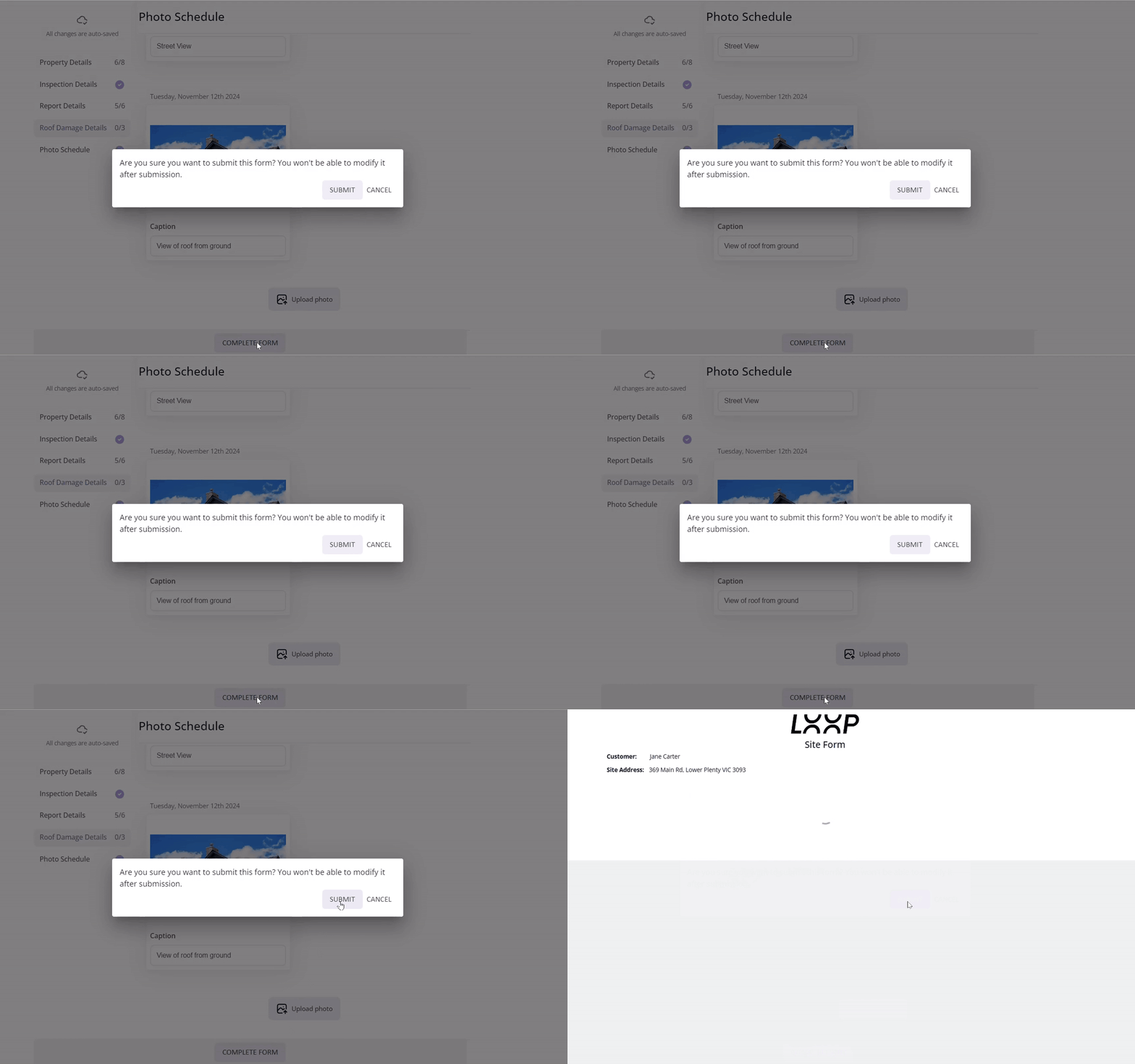
- After submitting, you'll have the option to download a copy of the completed site form.
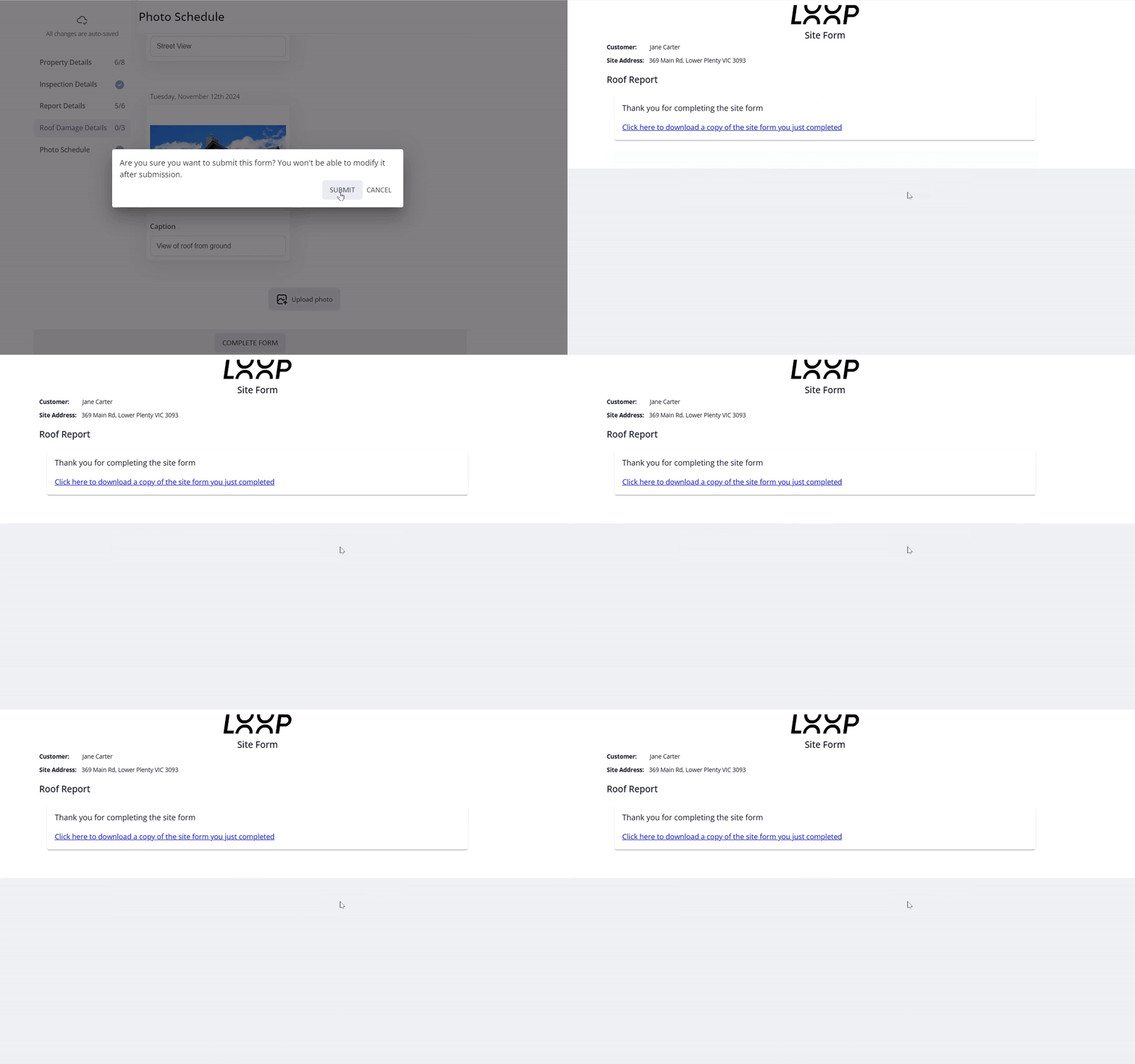
✅The completed form is submitted directly to the individual or company who provided the email link.
FAQ
Do I need a Loop account to complete a site form? No, the share link takes you straight to the form, no login required.
Can I upload photos from my phone? Yes, on mobile, you can upload from your photo library, take a photo directly, or choose files. Selecting photo library lets you pick from your camera roll, and you can edit the caption on each photo if needed.
Can I edit the form after I submit it? No, once you select Complete Form and confirm the submission, it can't be modified.
How do I get a copy of the completed form? After submitting, you'll be given the option to download a copy of the site form you just completed.
Who receives the completed form? It's submitted to whichever individual or company provided the email link.
❓ Need Help
If you have questions or need assistance, use the chat box in the bottom-right corner to contact the Loop Logics support team or email support@looplogics.com