.png)
How to Use Mentions
👉In Loop Logics, you have the ability to mention or tag other users, which generates a notification for the recipient under the notification bell in the top right corner. This is a quick way to draw a colleague's attention to a specific note or comment on a job.
Tagging a User
-
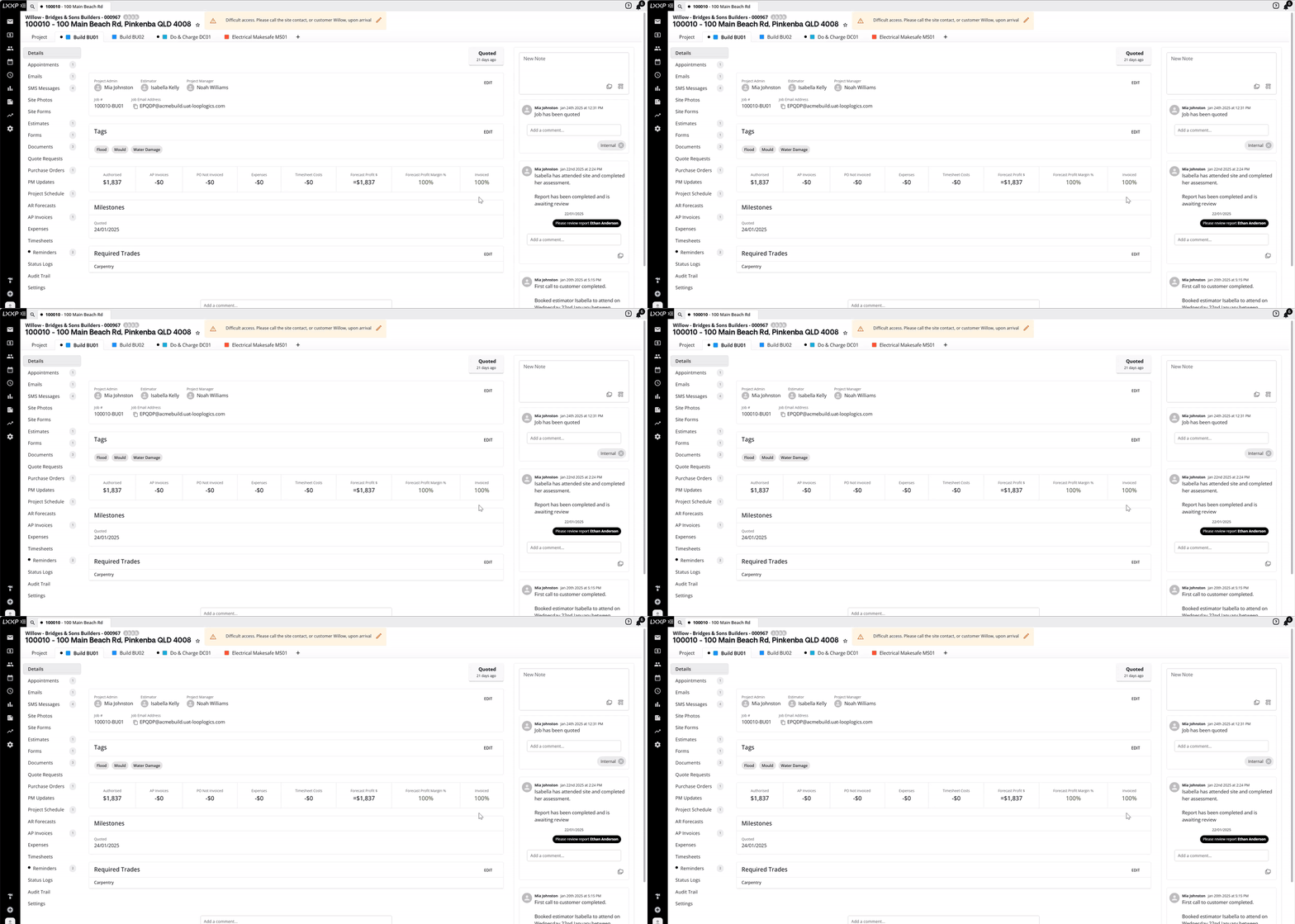
Navigate to the relevant job and locate the note where you'd like to leave a comment.
-
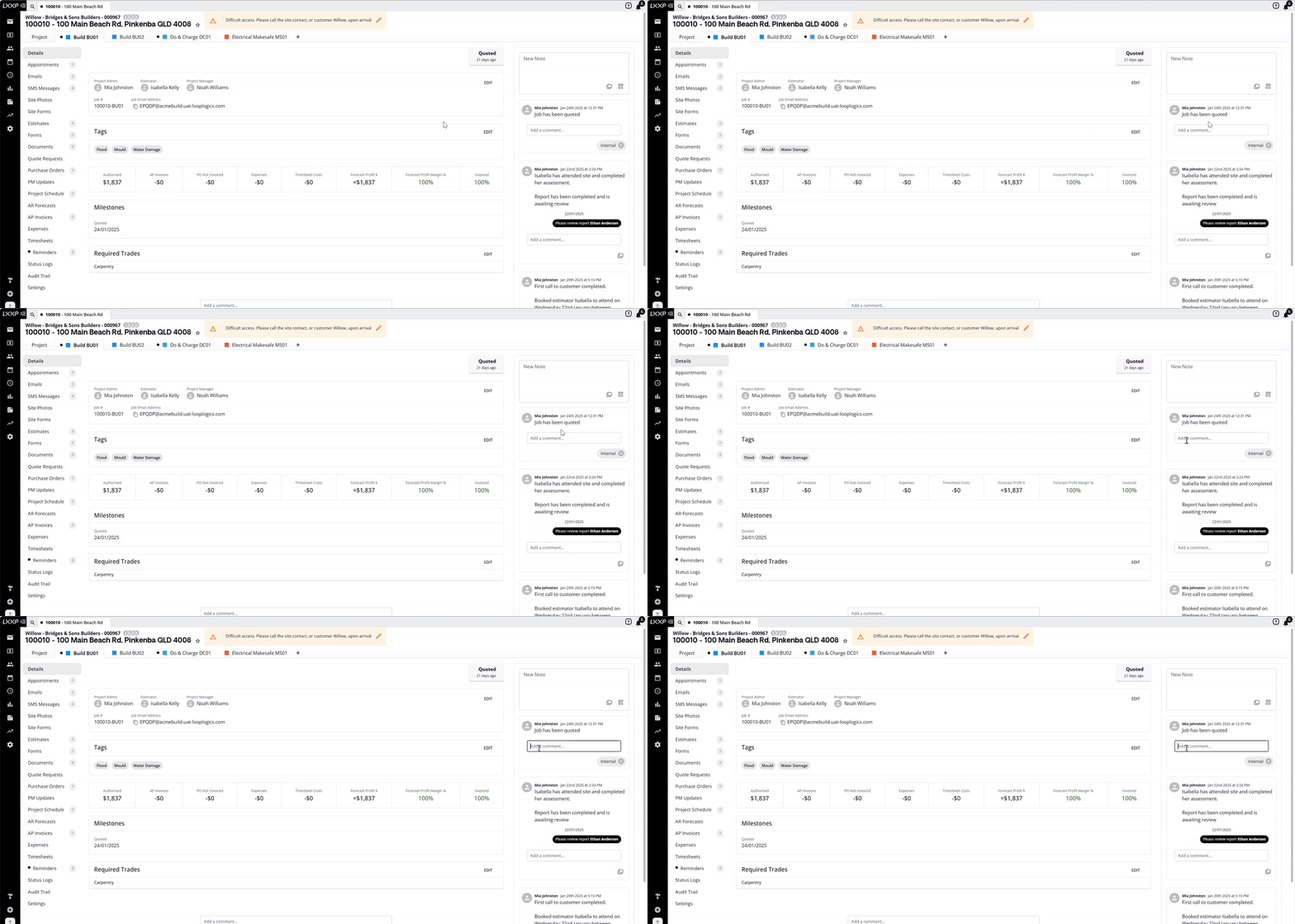
Click the Add a Comment box.
-
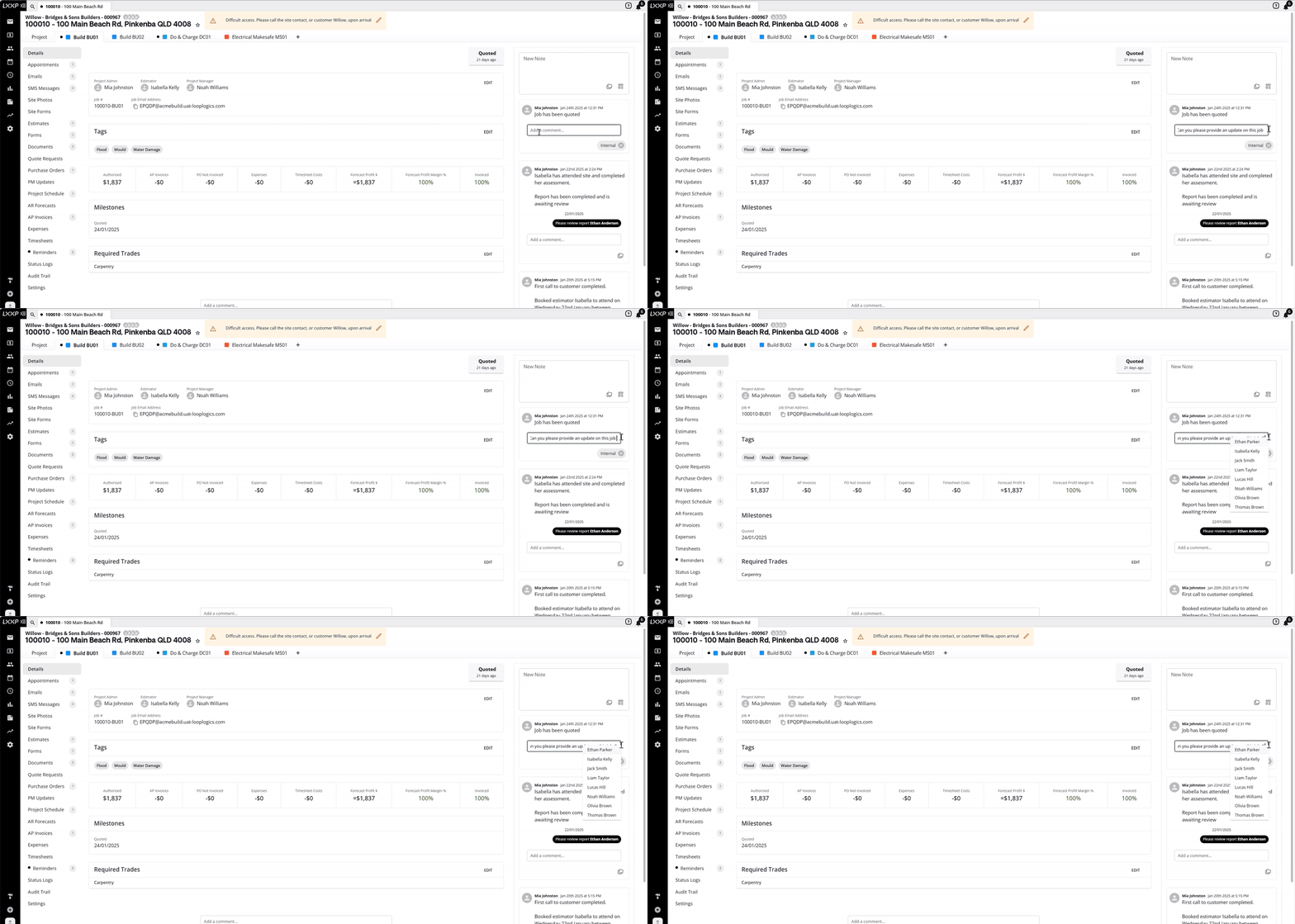
You can either type a brief message or simply tag a user. To tag someone, type the @ symbol — a list of users in Loop will appear, from which you can select a user.
-
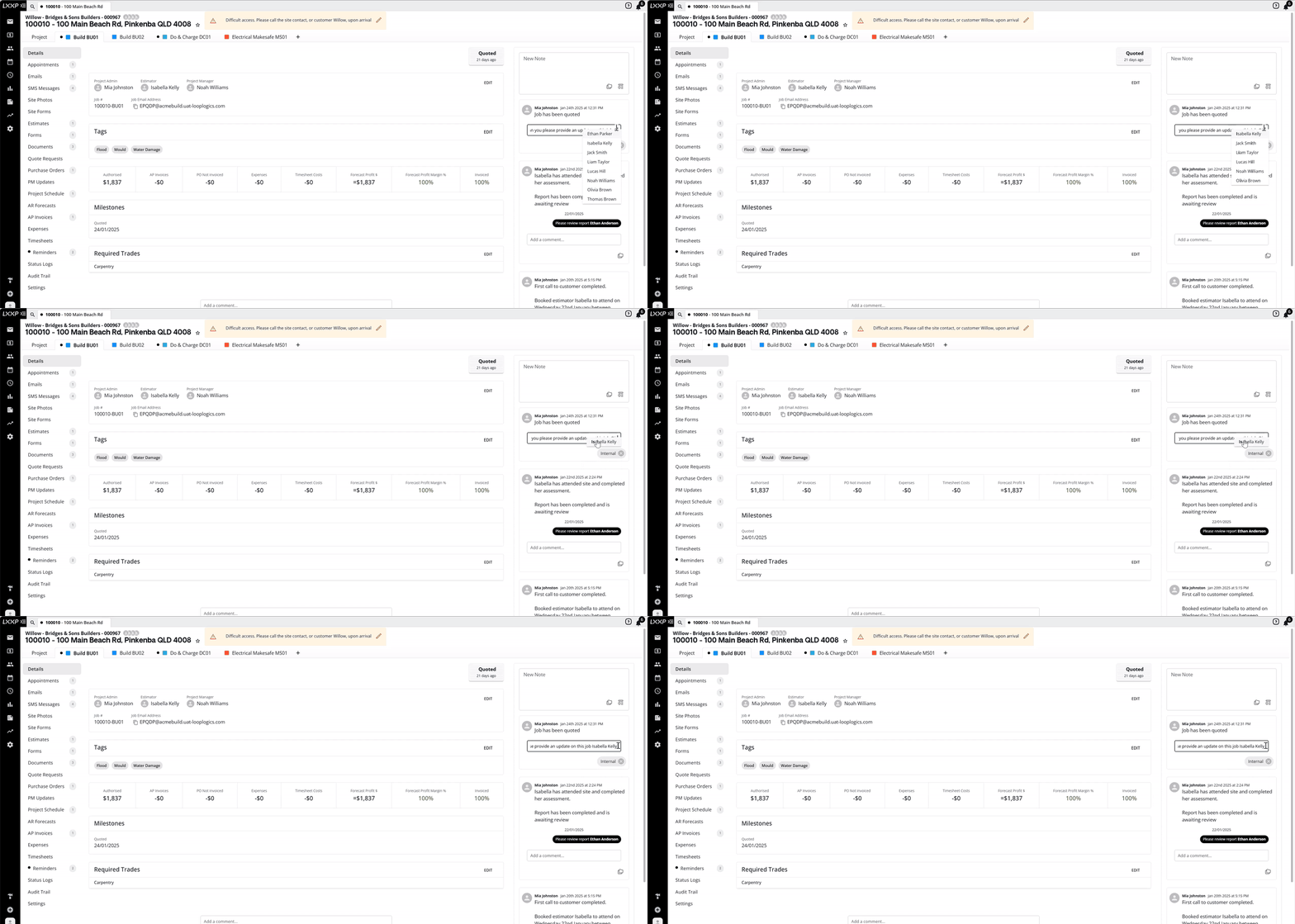
If needed, refine the search by typing the user's name.
-
You can tag multiple users within a single comment by repeating the process.
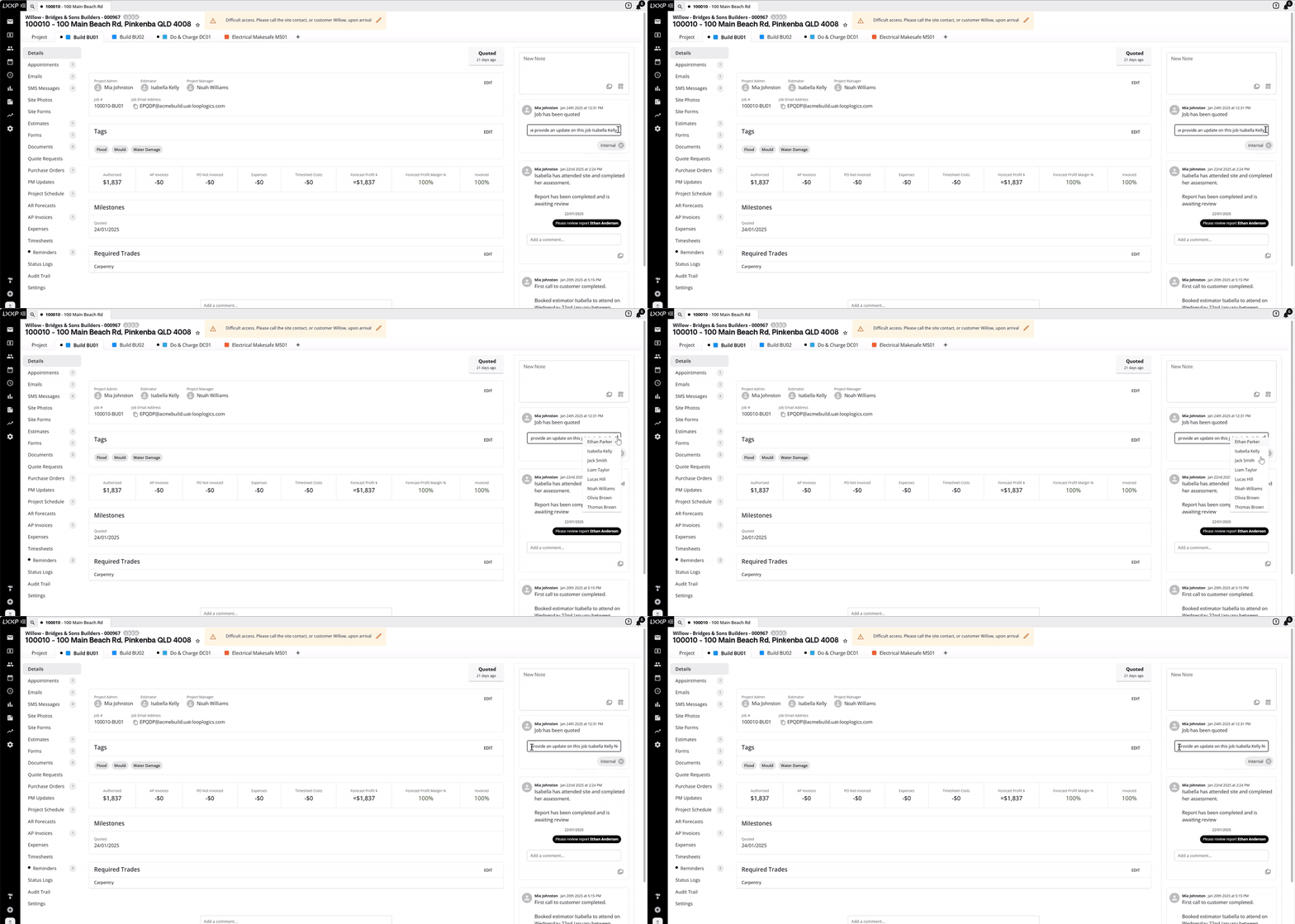
- Once you've completed your comment, select Enter on your keyboard.

Receiving and Managing Mentions
-
When you receive a mention notification, click on it to be taken directly to the relevant job and note. Once the comment has been seen or reviewed, the black notification dot will disappear.
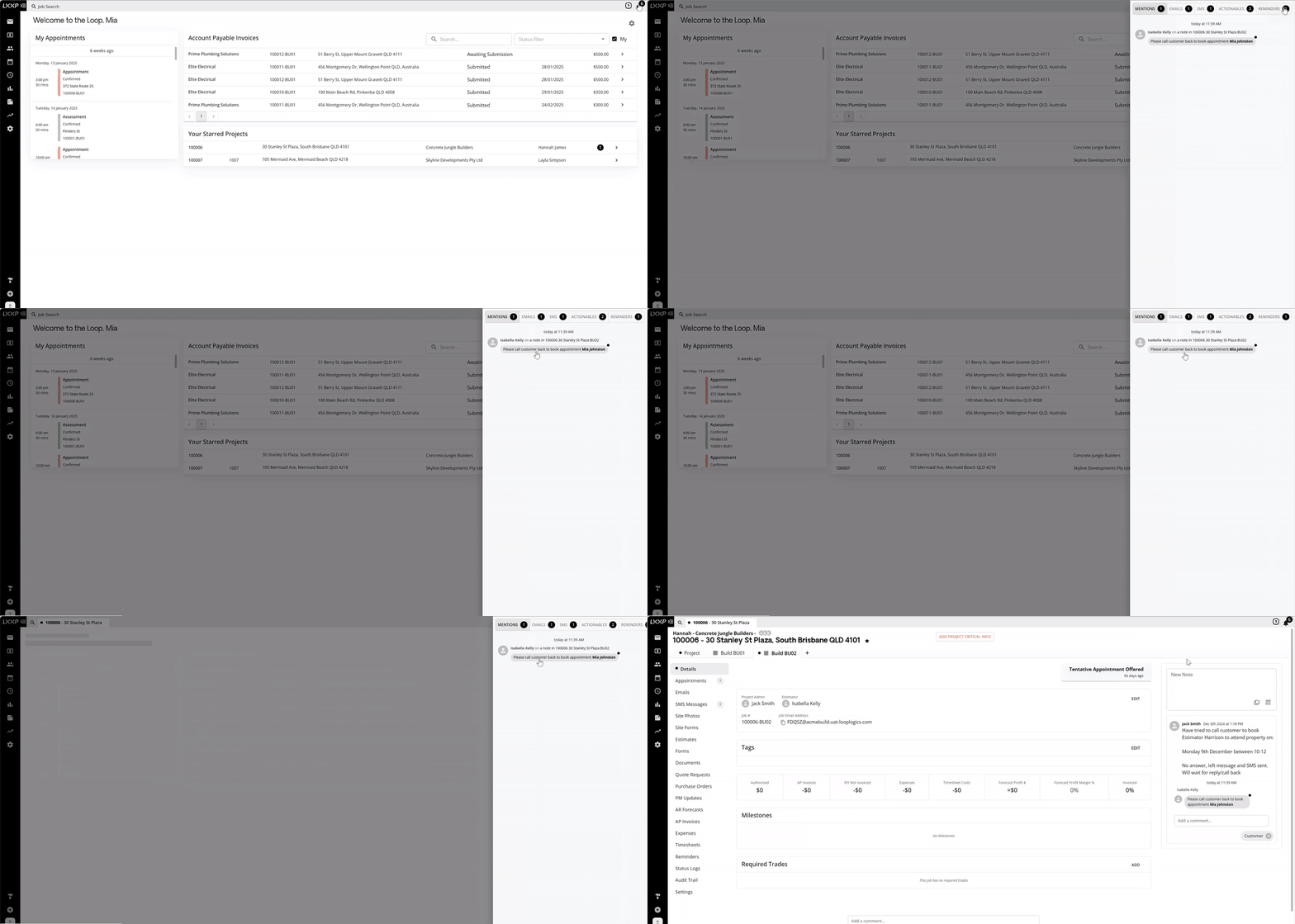
- If you'd prefer to keep the notification visible, right-click the comment and select Pin. The notification will then appear in purple and will reappear in your notifications. To remove the pin, right-click again and select Remove Pin.

FAQ
Can I tag more than one person in the same comment? Yes, you can tag multiple users within a single comment by repeating the @ and select process for each person.
How do I know if I've been mentioned? You'll receive a notification under the bell icon in the top right corner. Clicking on it takes you directly to the relevant job and note.
What happens to a mention notification once I've reviewed it? The black notification dot disappears once the comment has been seen or reviewed.
Can I keep a mention notification visible after reviewing it? Yes, right-click the comment and select Pin. It will appear in purple and stay in your notifications until you right-click again and select Remove Pin.
❓ Need Help
If you have questions or need assistance, use the chat box in the bottom-right corner to contact the Loop Logics support team or email support@looplogics.com