.png)
How to send SMS Messages out of Loop Logics
📲SMS messages can be sent manually out of Loop Logics, or can automatically be sent based on a specific trigger. This article covers sending a message manually, to an existing contact or to a new recipient and how replies come back to you in Loop Logics.
Sending a Message to an Existing Contact
- Navigate to the relevant job and, on the left-hand side menu, select SMS Messages.
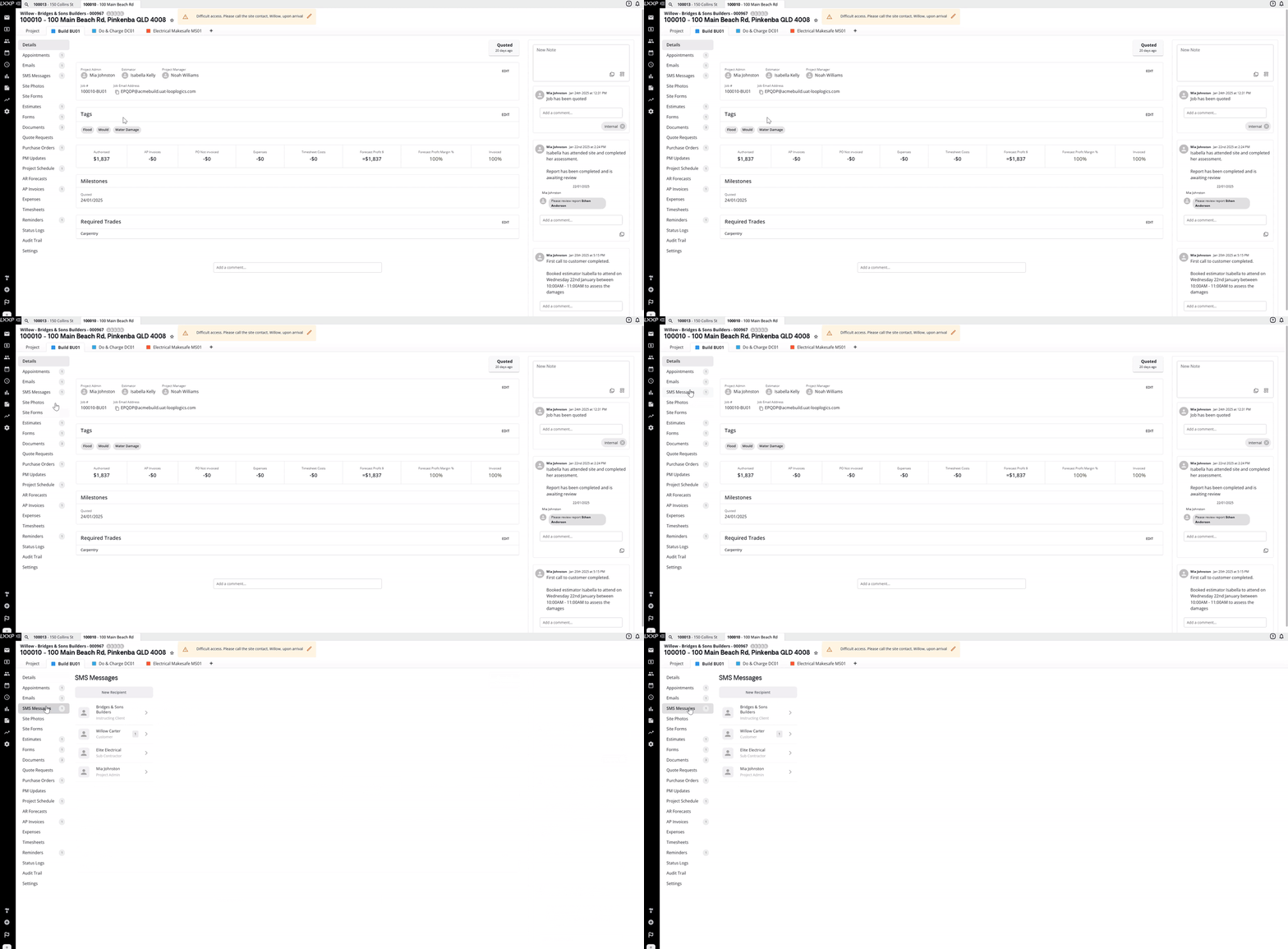
- Click the name of the contact you want to message.
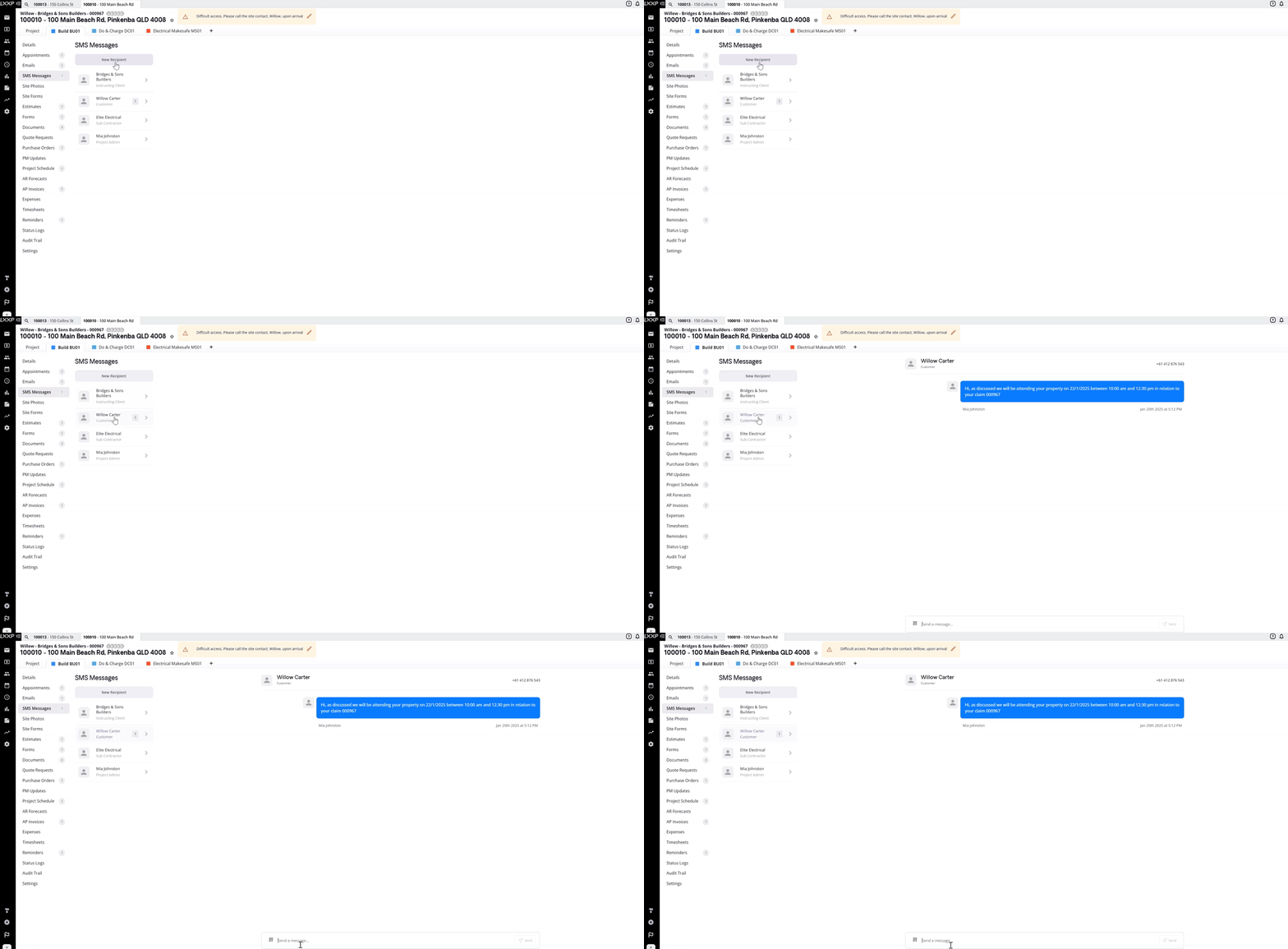
- Type a new message, or click the template icon to select a pre-made SMS template and edit it as needed.
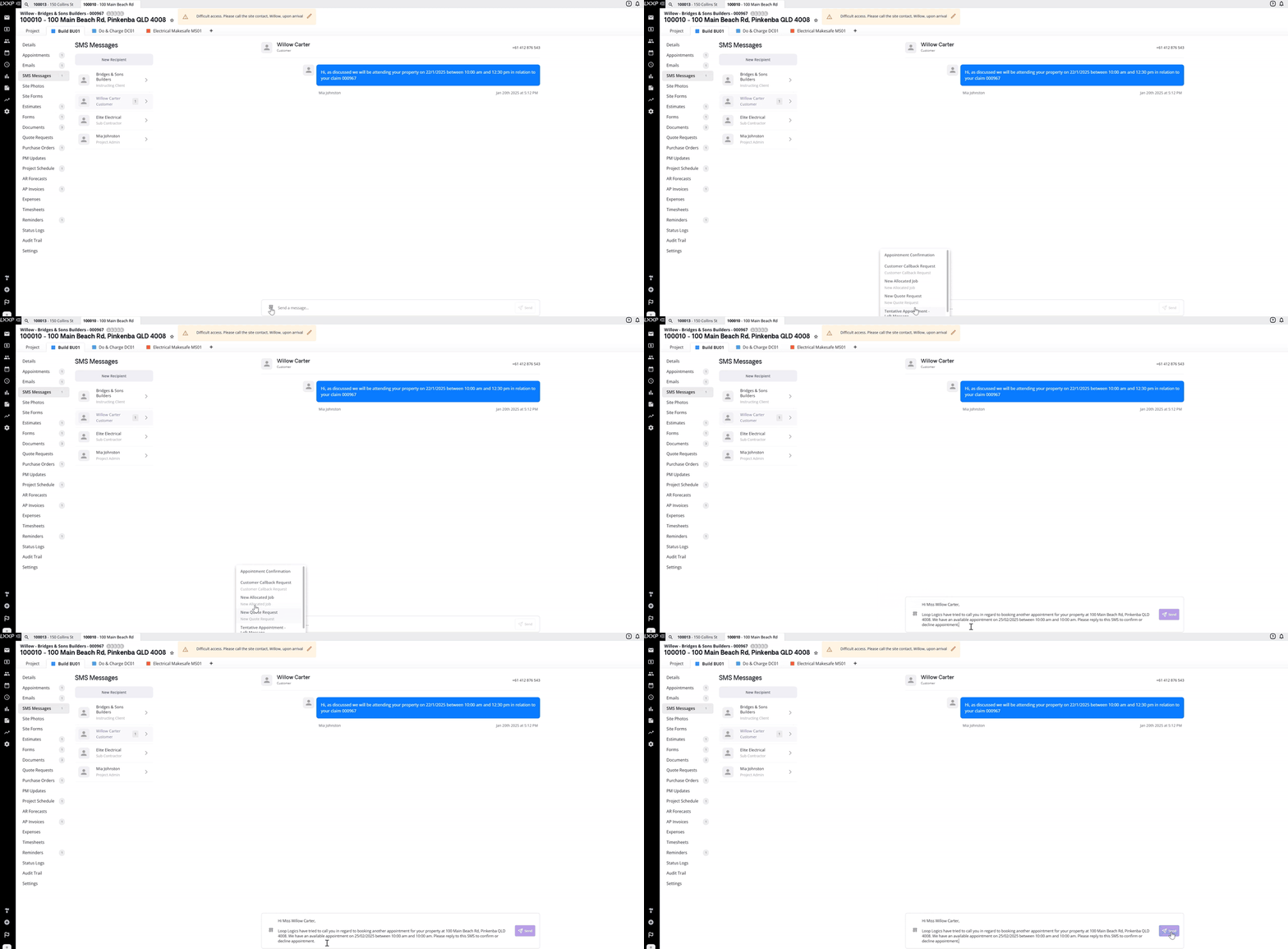
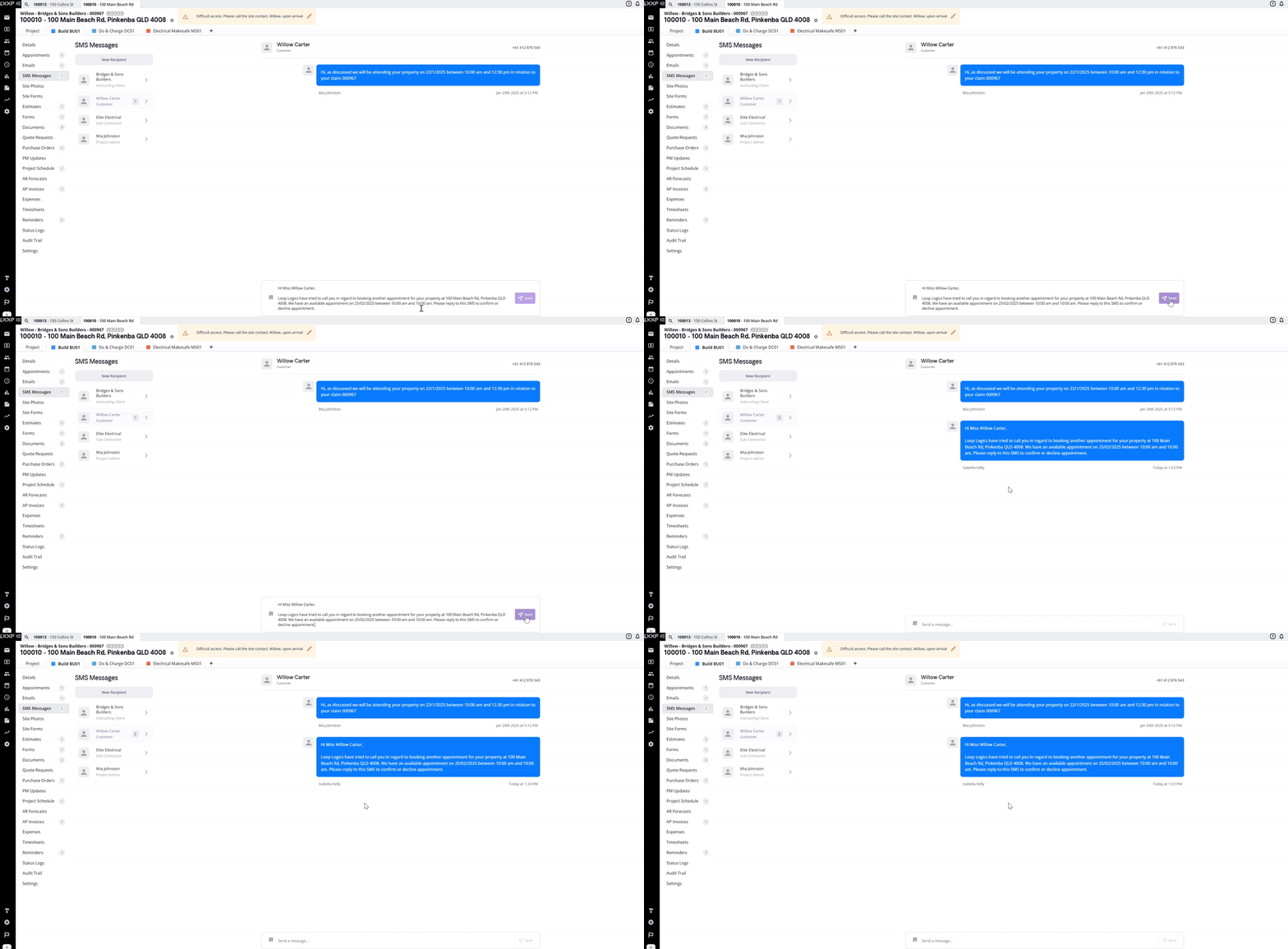
- Once you've finished typing your message, click Send on the right-hand side.
Sending a Message to a New Recipient
- On the SMS Messages page, select New Recipient at the top.
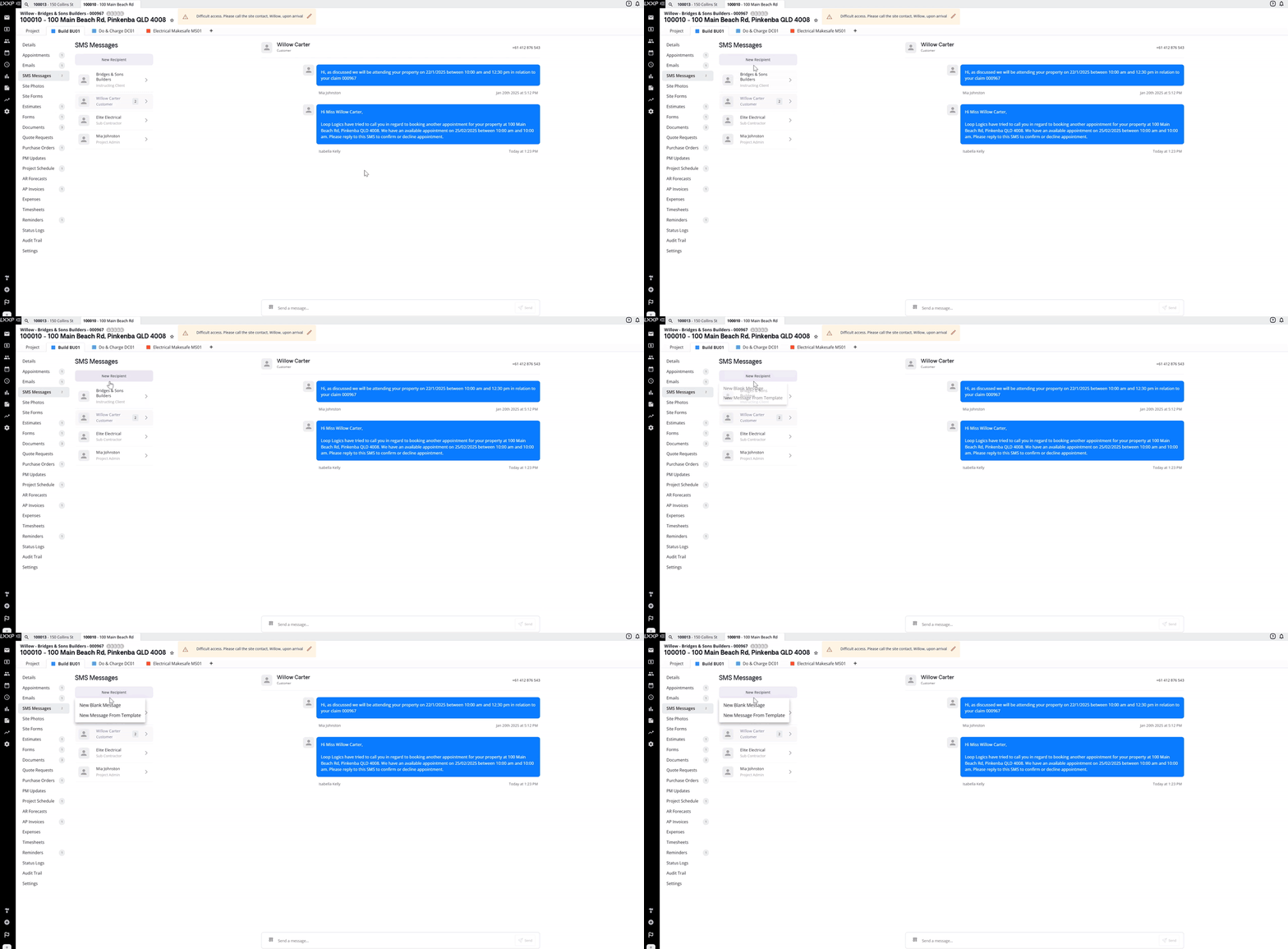
- Choose New Blank Message to type a message from scratch, or New Message From Template to start from a pre-made template and edit it as needed.
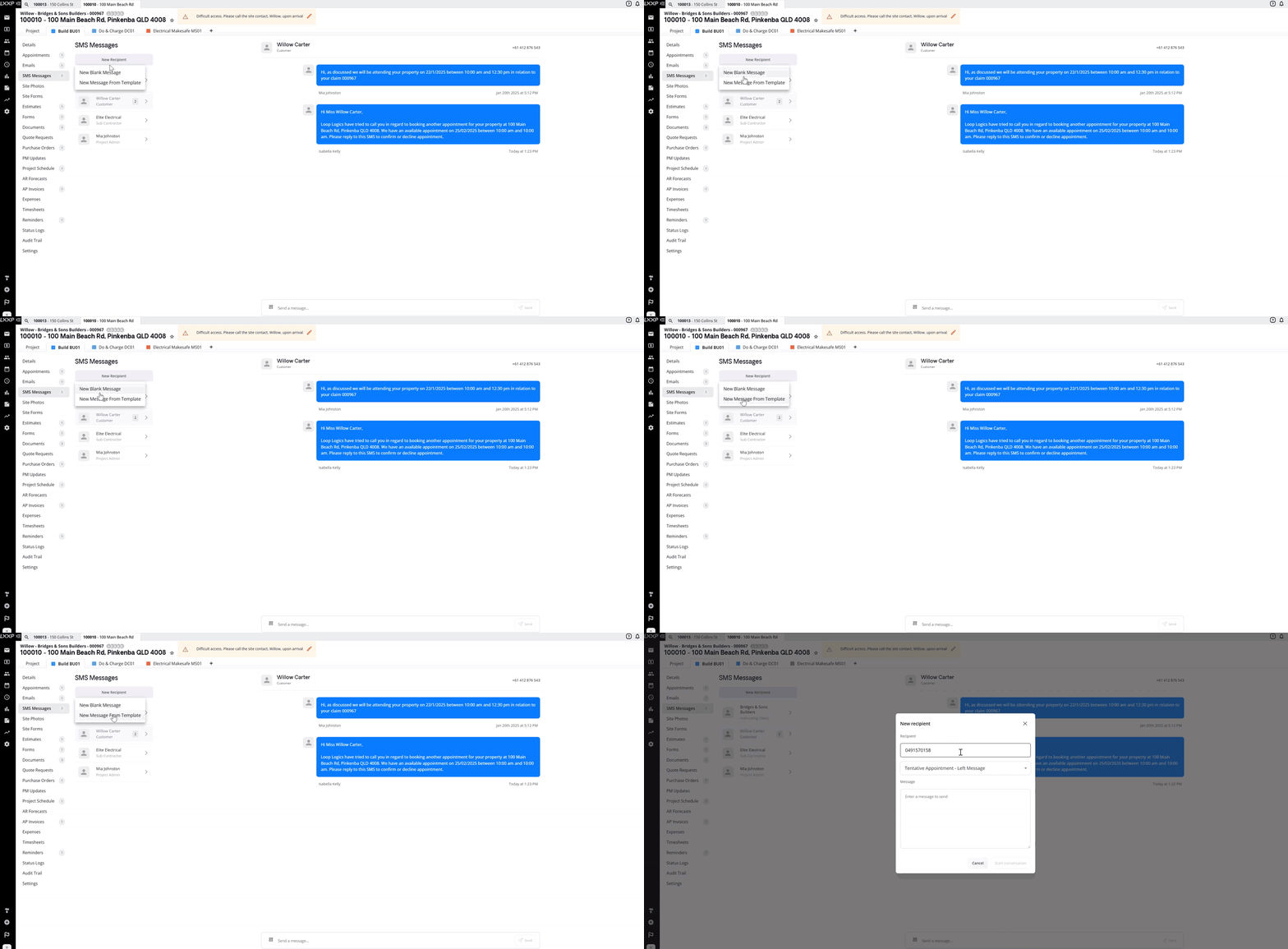
- Enter the recipient's phone number and type or edit your message.
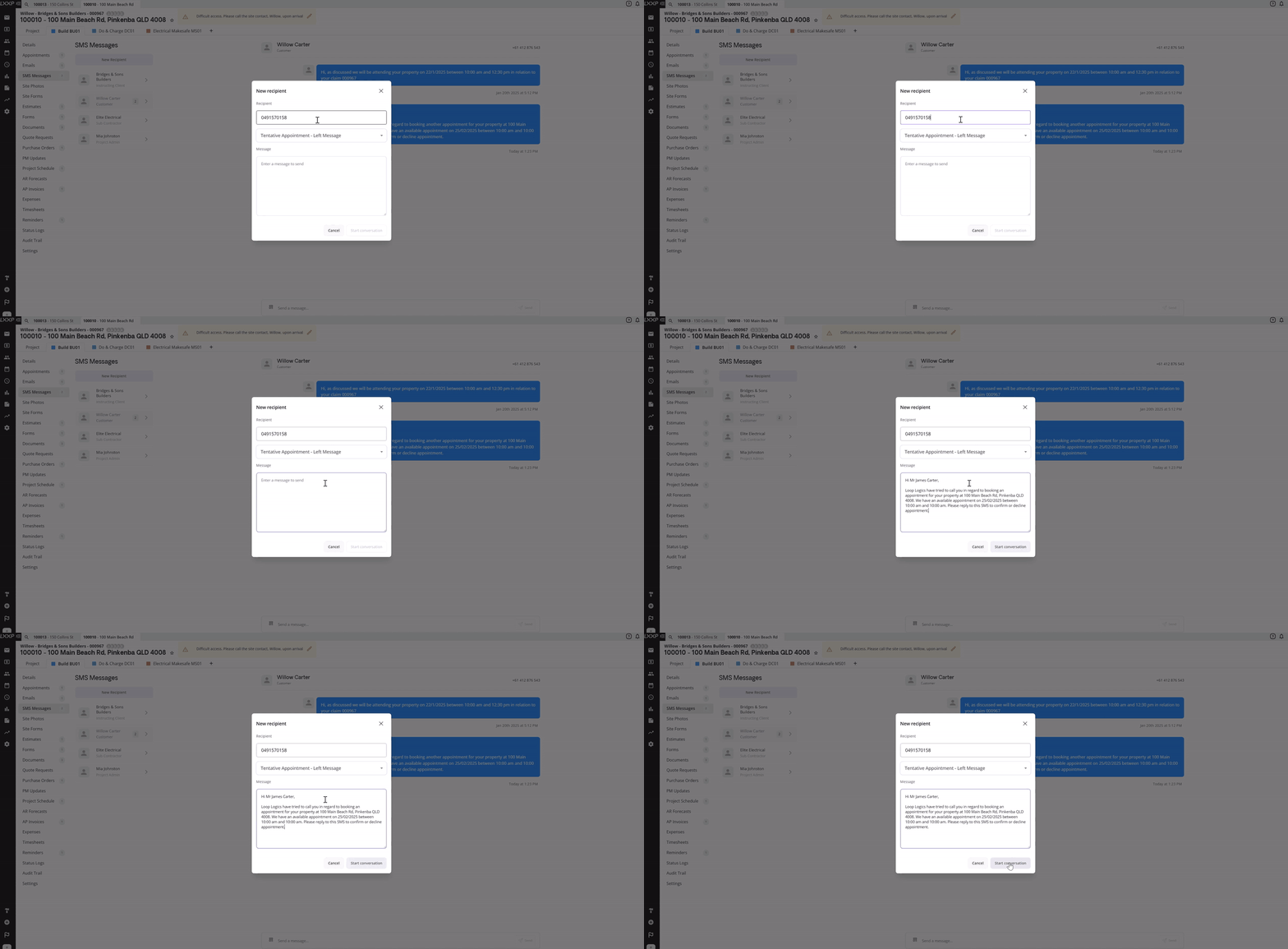
- Once complete, click Start Conversation to send the SMS.
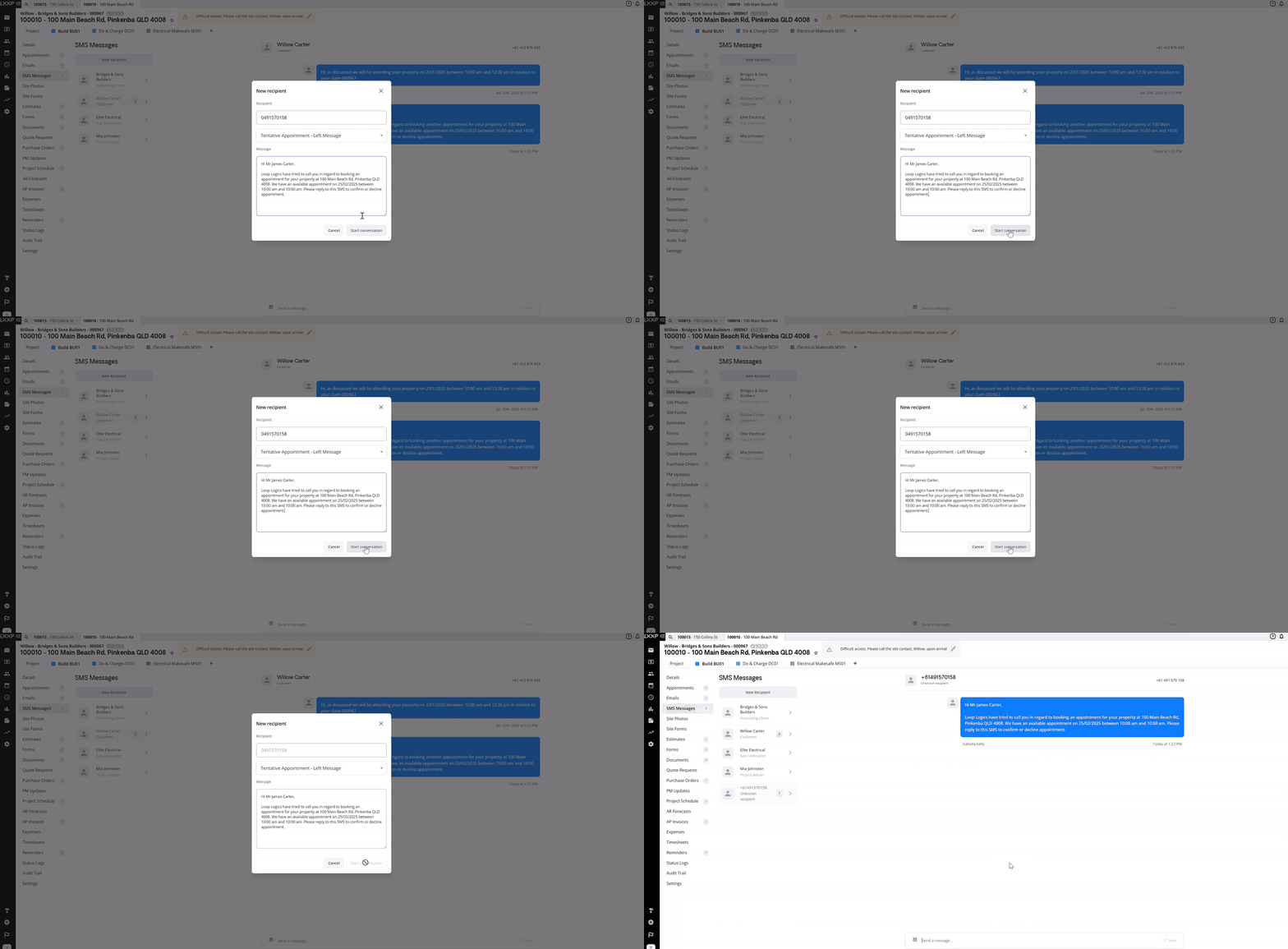
Receiving Replies
- The recipient will receive an SMS notification on their phone, with a link they can click to send a reply.
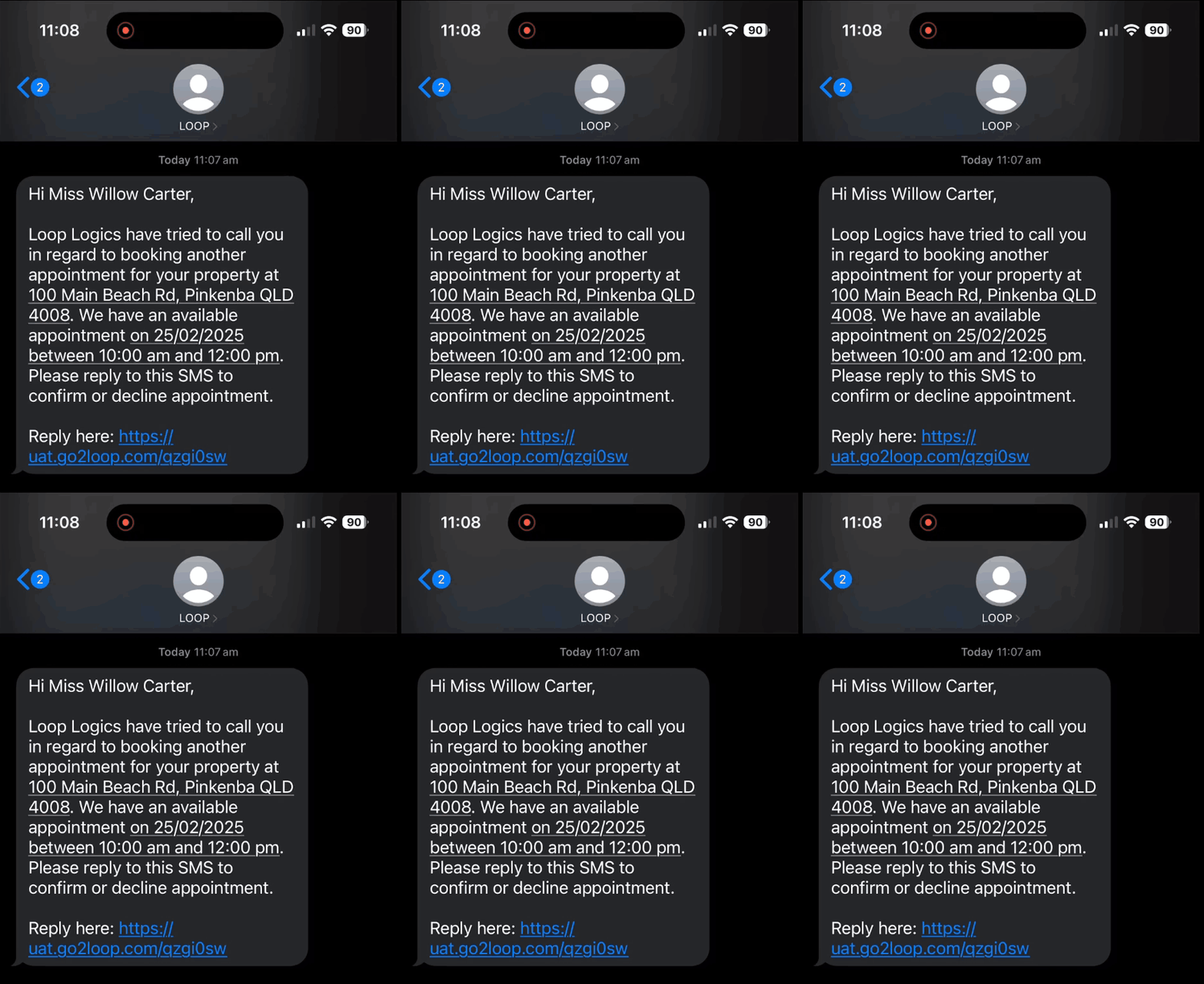
- Once they reply, you'll receive a notification in Loop Logics under the bell icon in the top right corner.
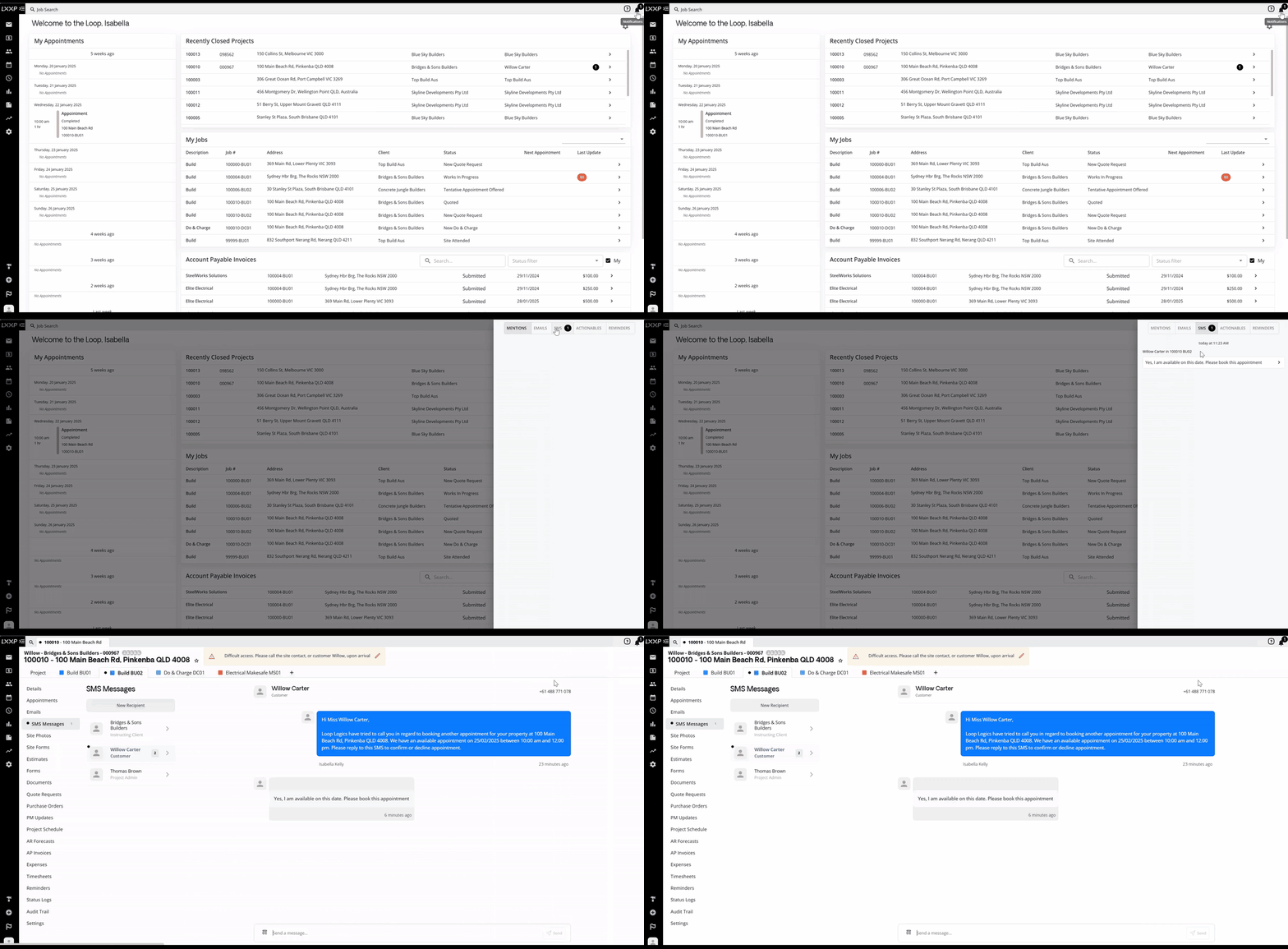
- Selecting the bell icon and choosing the SMS section lets you preview the message, and clicking on it will direct you to the relevant job.
FAQ
Can SMS messages be sent automatically? Yes, in addition to sending manually, SMS messages can be sent automatically based on a specific trigger.
What's the difference between messaging an existing contact and a new recipient? An existing contact already appears in the SMS Messages list for the job, just click their name to message them. For anyone not yet in that list, use New Recipient and enter their phone number.
Do I have to use a template? No, templates are optional for both an existing contact and a new recipient. You can type a message from scratch or start from a pre-made template and adjust it.
How will I know if someone replies to my SMS? You'll receive a notification in Loop Logics under the bell icon in the top right corner. Selecting the bell icon and the SMS section lets you preview the reply, and clicking it takes you to the relevant job.
❓ Need Help
If you have questions or need assistance, use the chat box in the bottom-right corner to contact the Loop Logics support team or email support@looplogics.com