.png)
How to Create Email Signatures
💡In Loop Logics, you can customise the email signatures that are sent out of the system. Signatures are set per division, so you can keep a consistent look across your company or tailor one for each division as needed.
Steps:
Open the division's signature template
- Go to Admin, then under Finance select Divisions.

- Select the relevant division.

Edit or create the signature
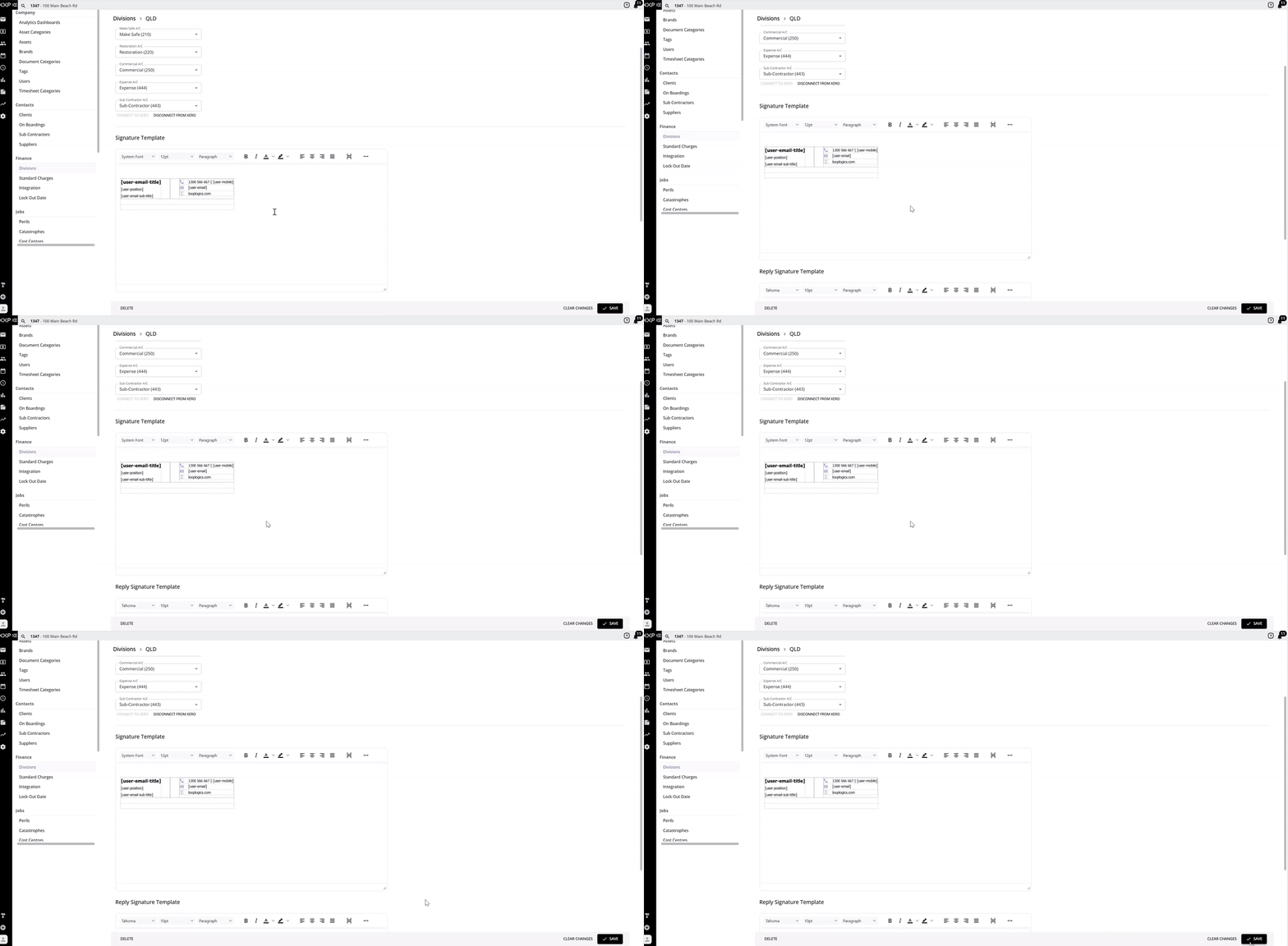
- Scroll down to Signature Template. Here you can edit and create your email signature as you wish.

- Use the reference tags already embedded in the template (such as user email title, position, and contact details) to automatically pull in the relevant user's details: name, email, and contact number.

- You're not required to use the default template that appears, you have the flexibility to fully customise your email signature.
-
A Reply Signature Template is also available below the main signature, for emails sent as replies.
Save
- Once you've created your signature template, select Save.

- This signature will now populate automatically when sending emails out of Loop from a job related to this division.

FAQ
Can I set a different signature for each division? Yes, if required, you can set a unique email signature for each division, or keep them consistent across all divisions.
How does Loop know which signature to use? When sending an email out of a job related to a specific division, the system automatically populates that division's signature.
Do I have to use the default signature template? No, you have full flexibility to customise your email signature. The default template that appears isn't mandatory.
What are the reference tags in the signature template for? They automatically pull in the relevant user's details, such as their name, email, and contact number, so you don't need to manually update each user's signature.
❓ Need Help
If you have questions or need assistance, use the chat box in the bottom-right corner to contact the Loop Logics support team or email support@looplogics.com