.png)
How to Sync MYOB/Xero for Expenses and AP Invoices
💡Once your accounting integration is connected, every expense and AP invoice you raise in Loop gives you the choice to sync it through to your accounting software or leave it unsynced. This is controlled by a single Sync to Xero or MYOB checkbox, which is ticked by default and sits on the transaction while it's still in draft.
Steps:
Set the sync option on an expense
- Open the relevant project and go to Expenses.
-
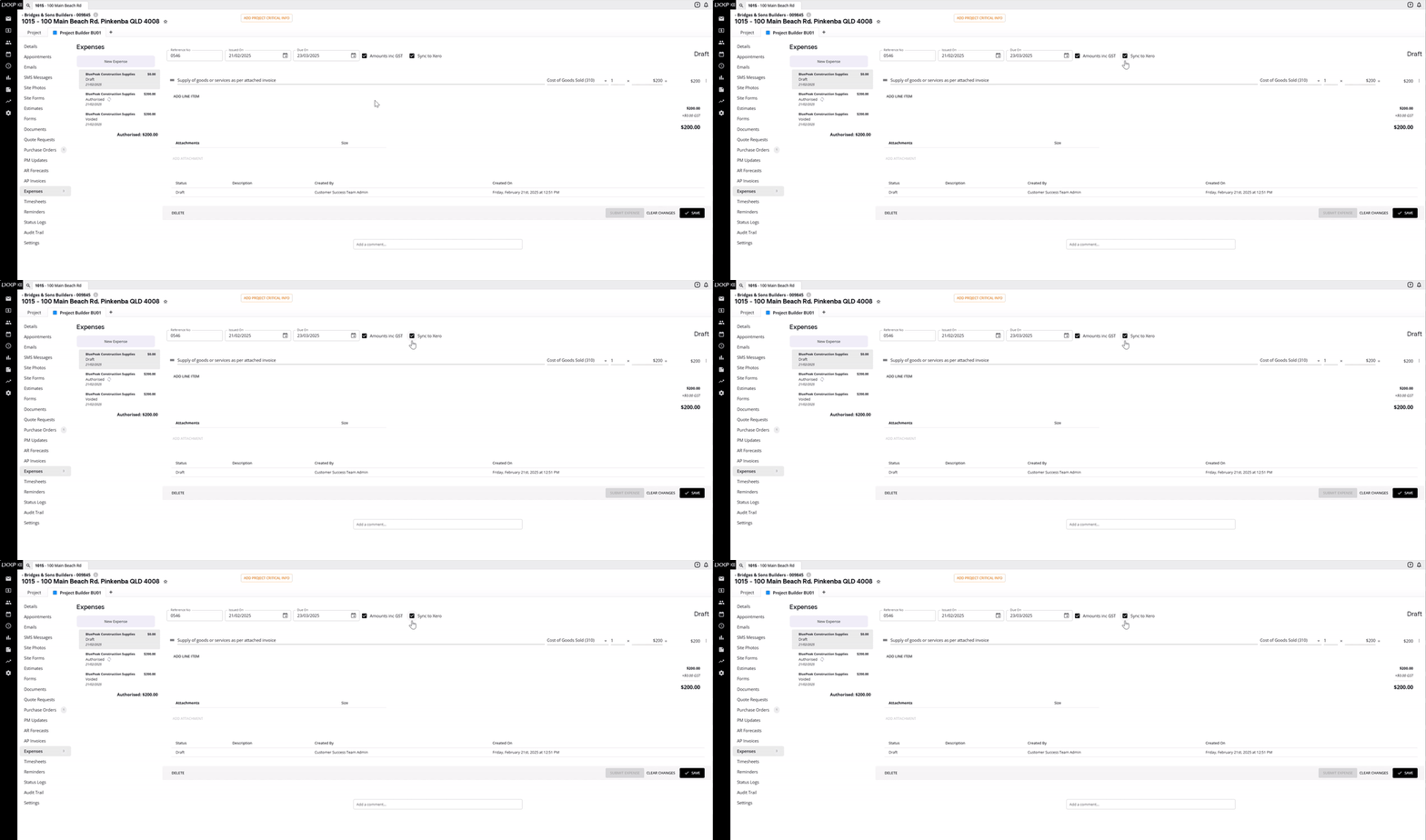
On a draft expense, you'll see Sync to Xero ticked by default alongside Amounts inc GST.
-
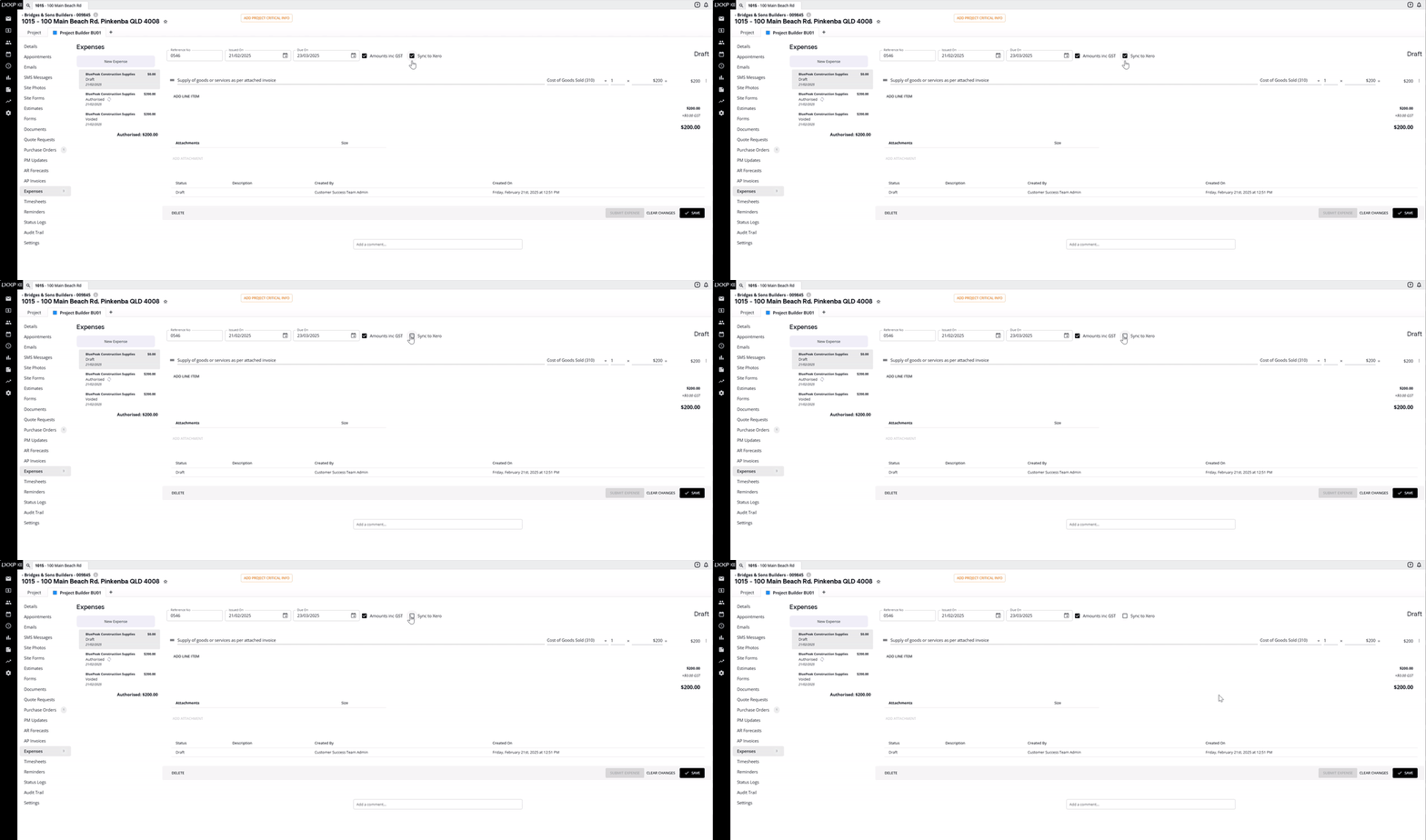
Untick it if you don't want this particular expense to sync through to your accounting software.
-
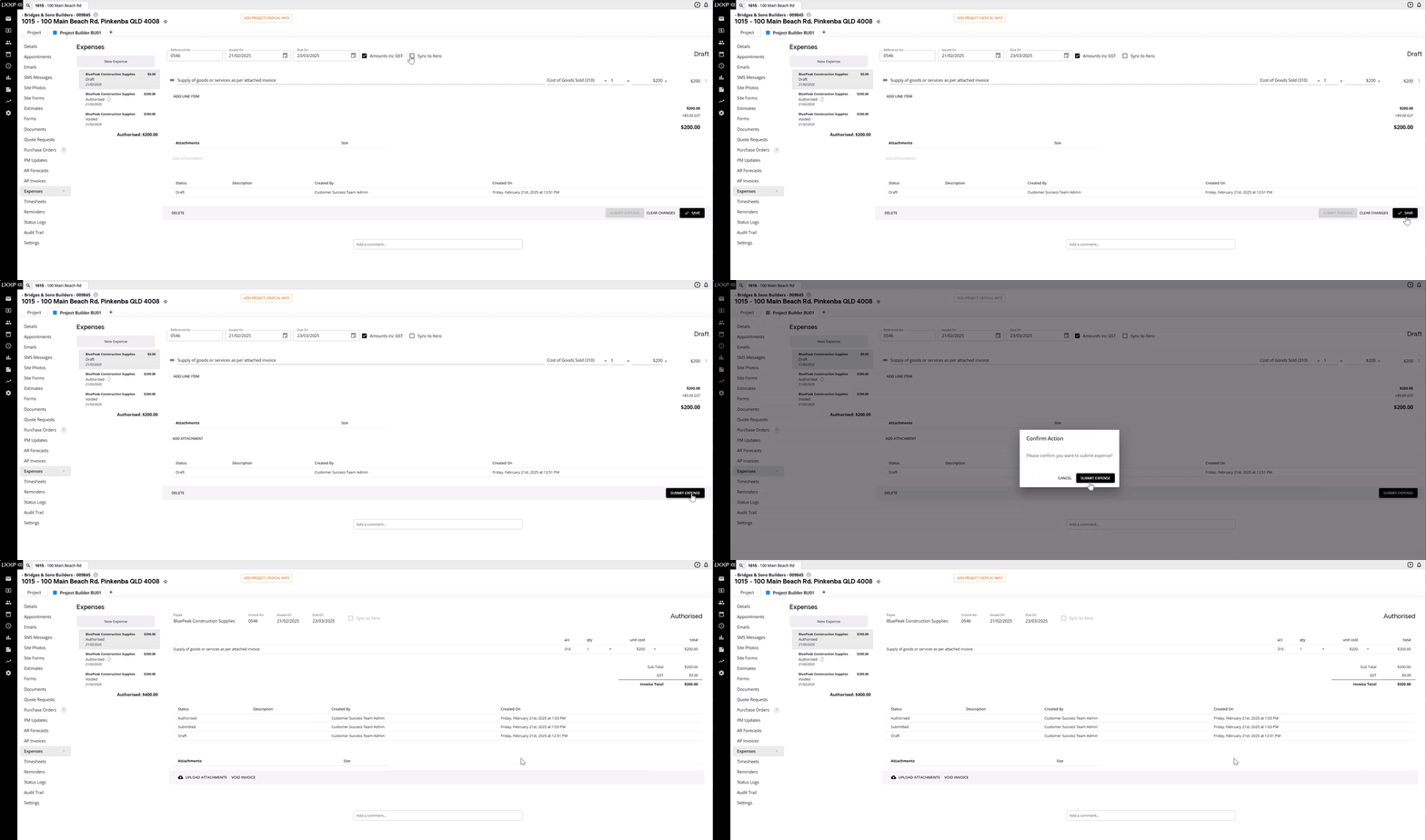
Select Save, then Submit Expense and authorise it as usual.
Set the sync option on an AP Invoice
-
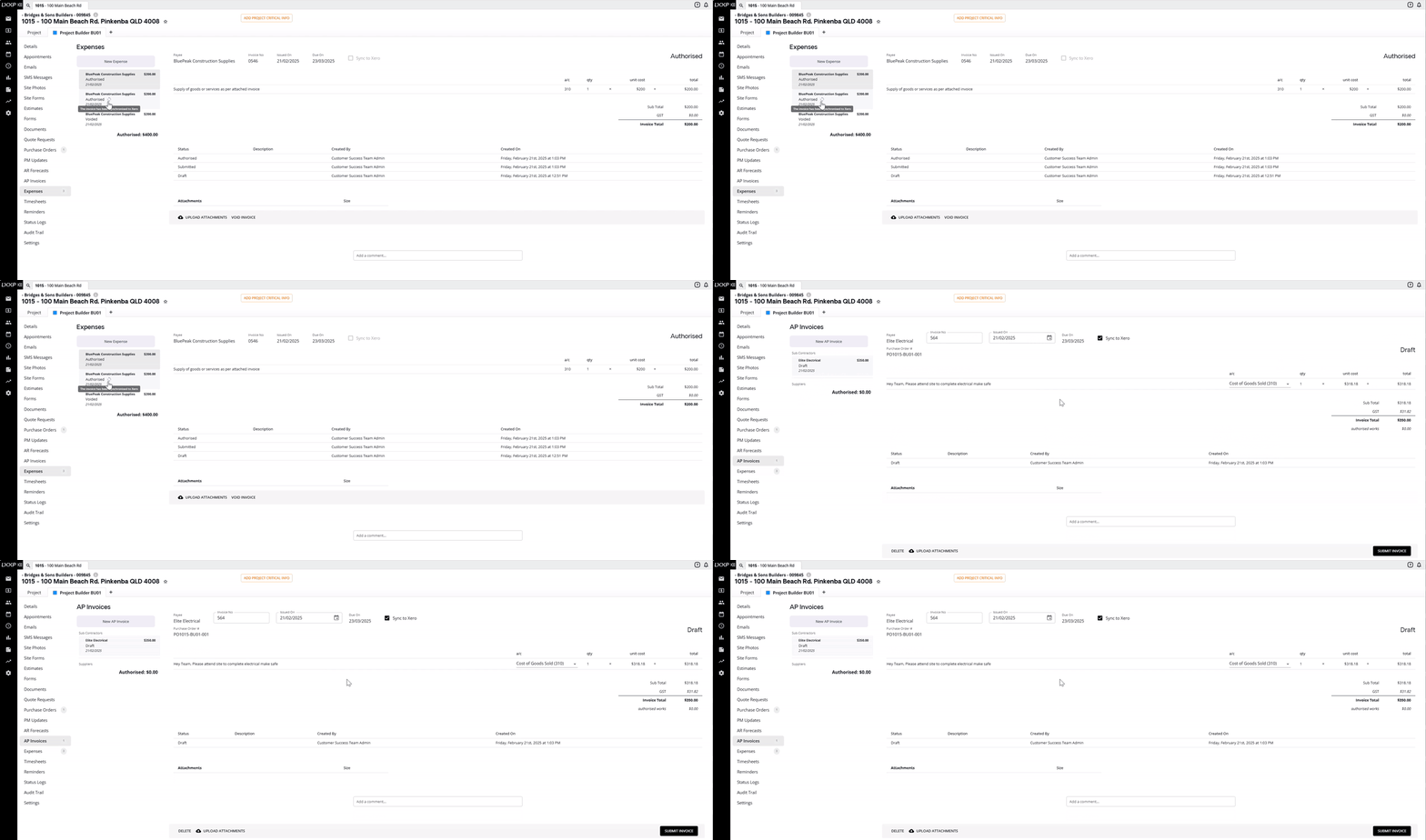
Go to AP Invoices within the project.
-
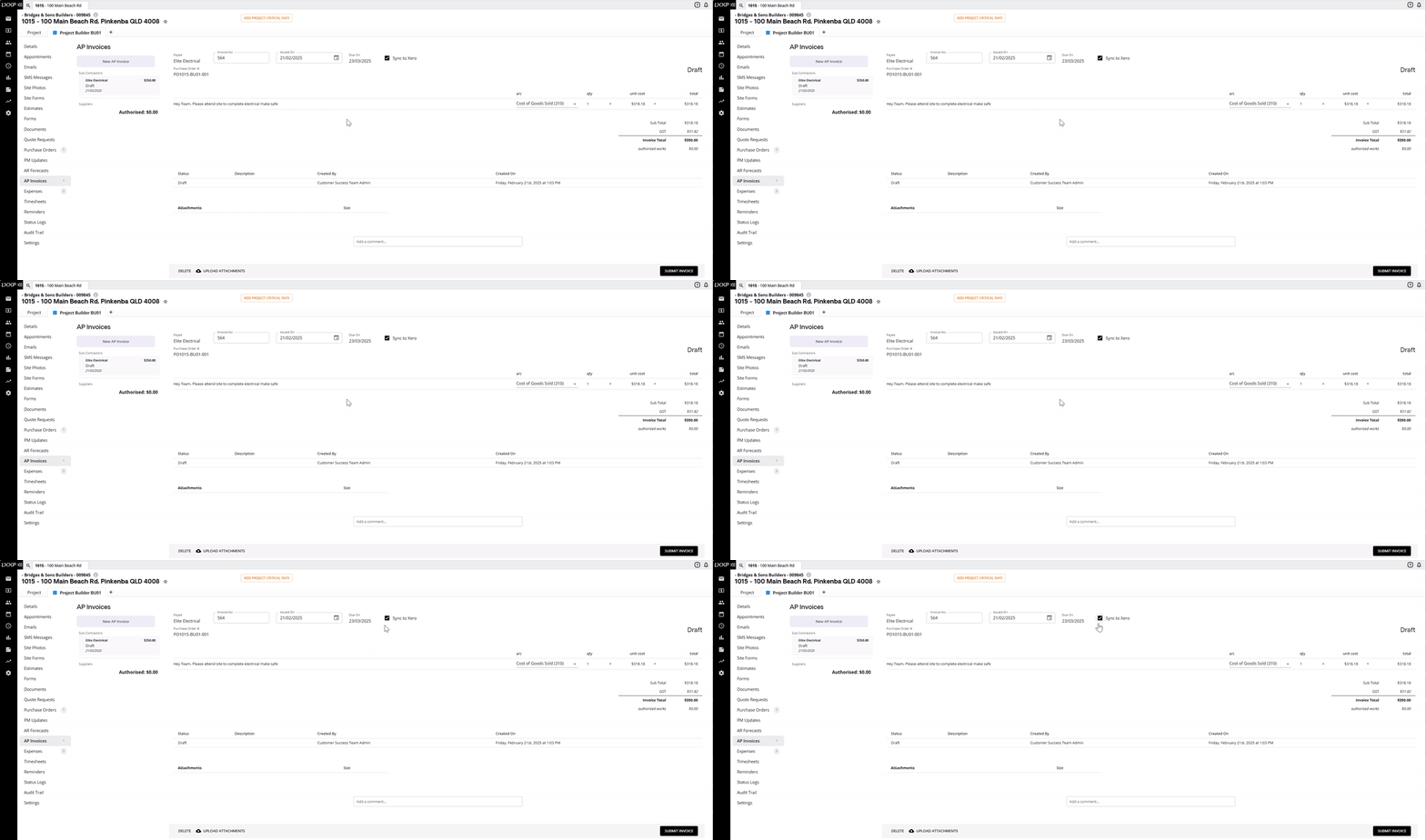
On a draft AP invoice, the same Sync to Xero checkbox appears next to the invoice details, ticked by default.
-
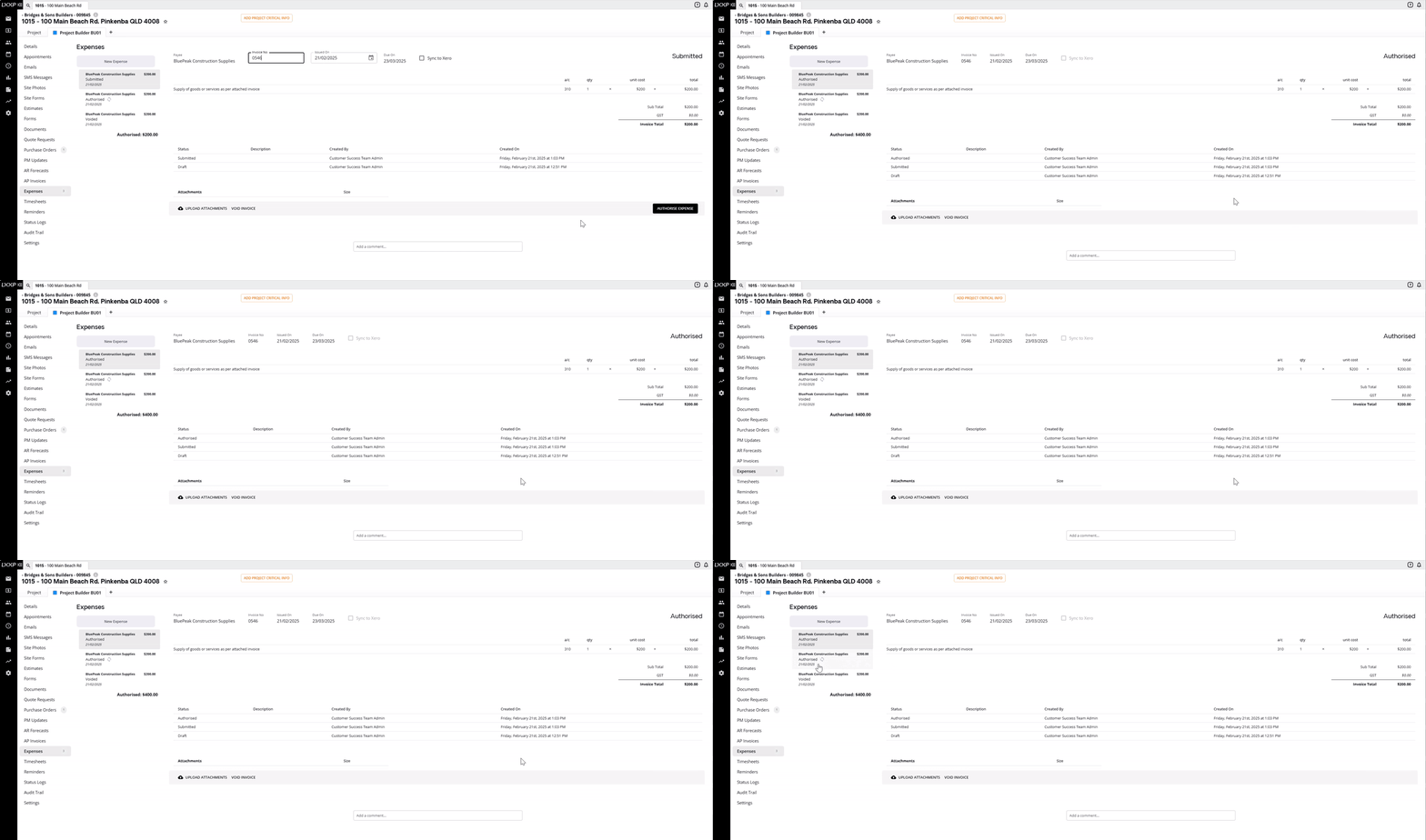
Leave it ticked or untick it, depending on whether you want this invoice to sync — this lets you document an expense or AP invoice without syncing it to your accounting software.
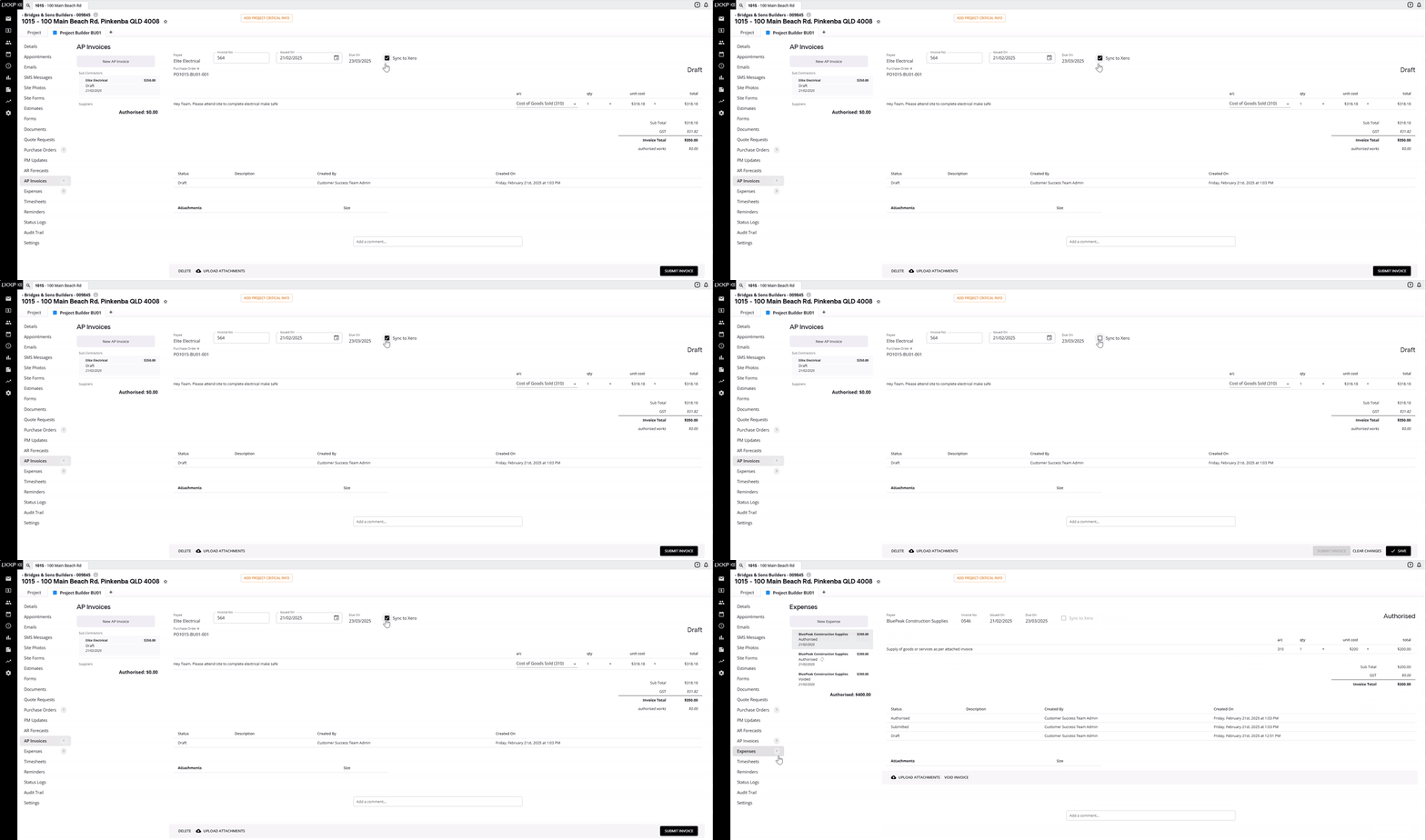
- Select Submit Invoice and authorise it as usual.
Confirm the sync
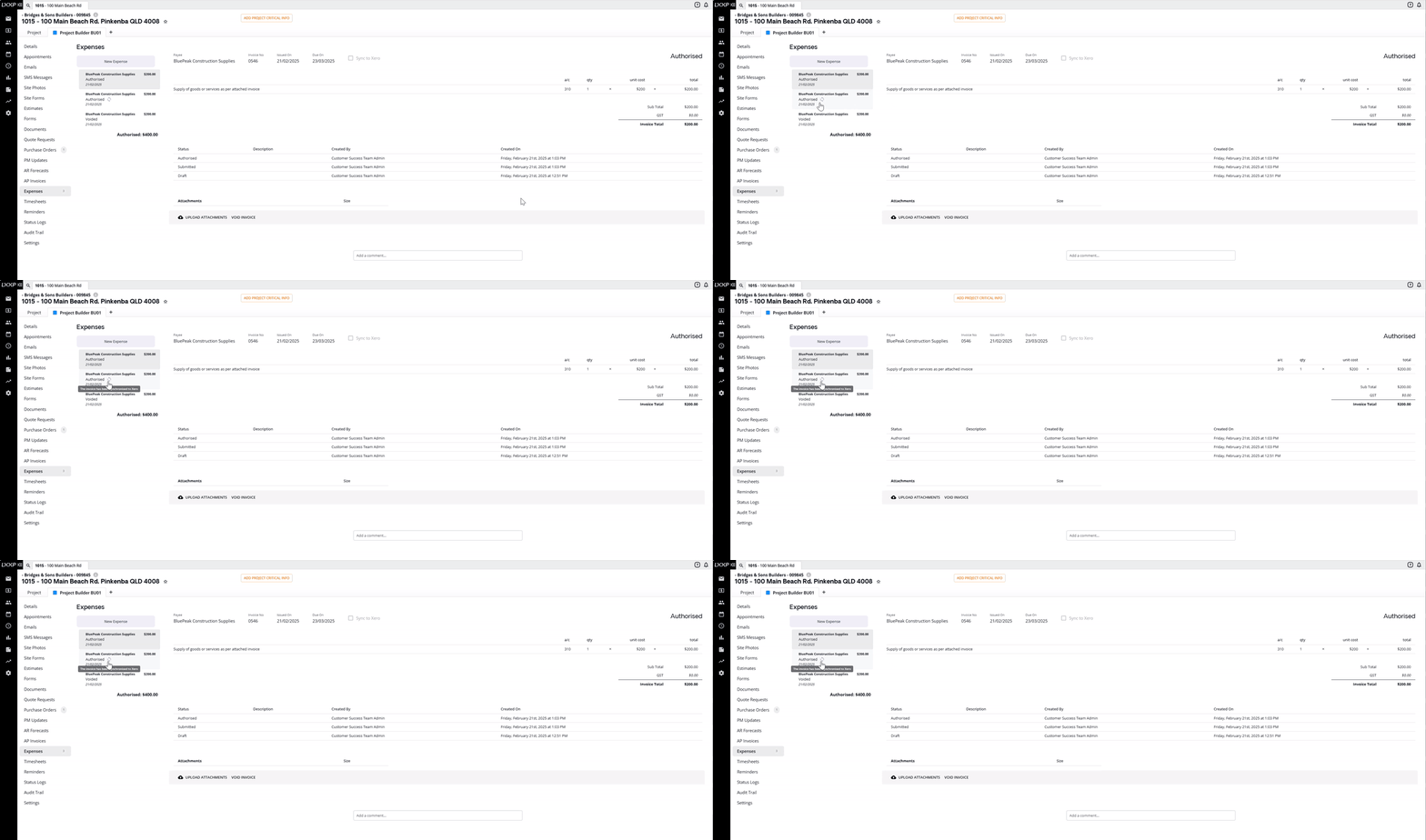
- Once an expense or AP invoice is authorised, the Sync checkbox becomes locked, it reflects the choice made at submission and can no longer be changed.
- A small purple icon appears next to authorised transactions that were set to sync. Hovering over it displays a message confirming the invoice has been synchronised to your accounting software (Xero or MYOB, depending on your connection).
FAQ
Can I choose not to sync a specific expense or AP invoice? Yes, untick Sync to Xero (or Sync to MYOB) before submitting. It's ticked by default.
Can I change the sync setting after an expense or AP invoice is authorised? No, the checkbox locks once the transaction is submitted and reflects whatever was set at that point.
How do I know if a transaction has synced? Authorised transactions that were set to sync show a small purple icon you can hover over for confirmation that it's been synchronised.
Does this apply to both expenses and AP invoices? Yes, the same Sync checkbox appears on both, working the same way in each case.
❓ Need Help
If you have questions or need assistance, use the chat box in the bottom-right corner to contact the Loop Logics support team or email support@looplogics.com