.png)
How to view Status Logs and Audit Trails
💡Loop Logics enables a systemised approach to project management through user-defined workflows and statuses. Status Logs and Audit Trail give you visibility over a job's progression and the key actions taken throughout its life, so you can easily keep track of a job's progress.
View Status Logs
- On the relevant job, select Status Logs from the left-hand side menu.
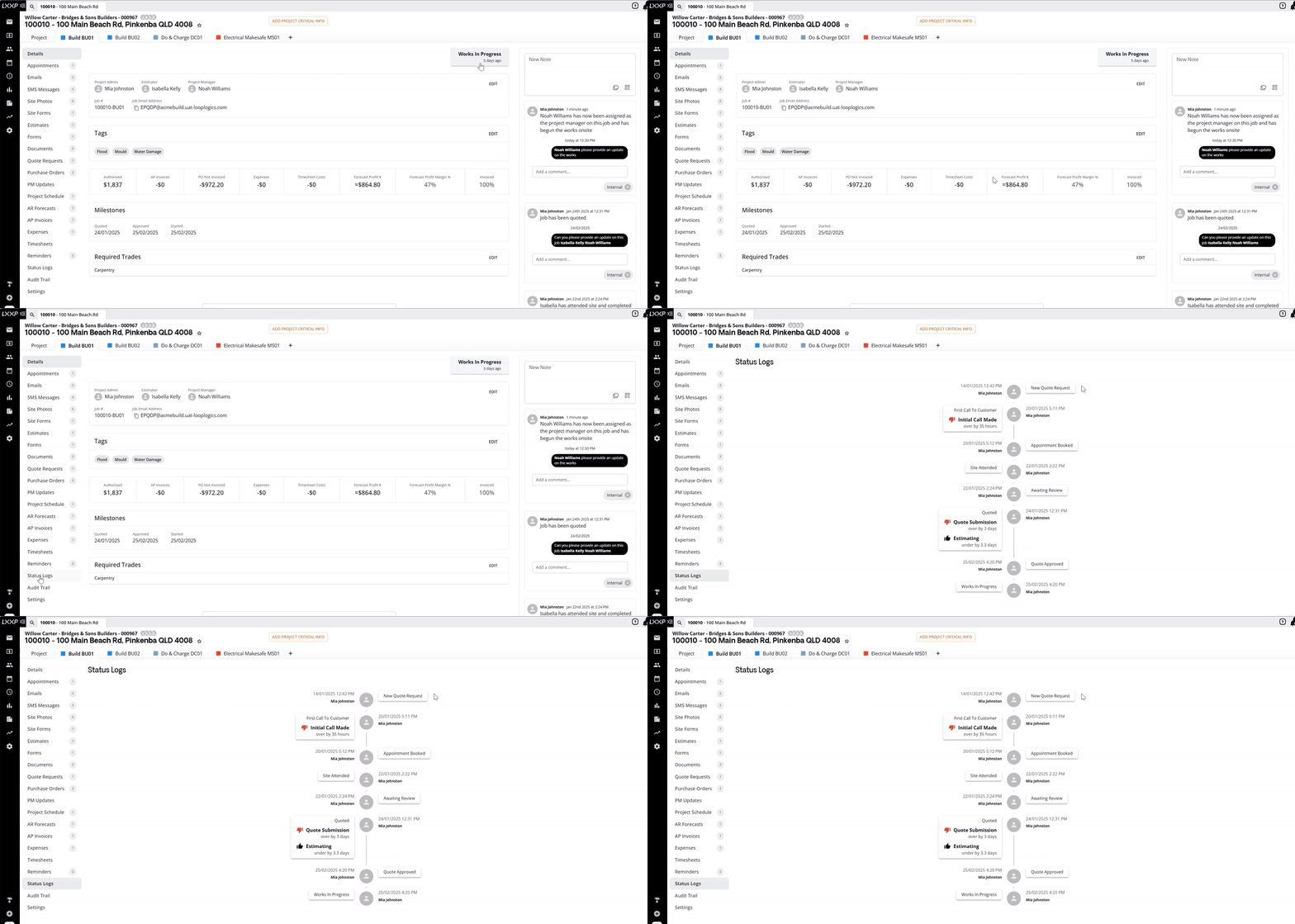
👉Status Logs displays a chronological view of each status the job has moved through, along with the date and time of the change and the user who progressed it.
View Audit Trail
- On the relevant job, select Audit Trail from the left-hand side menu.
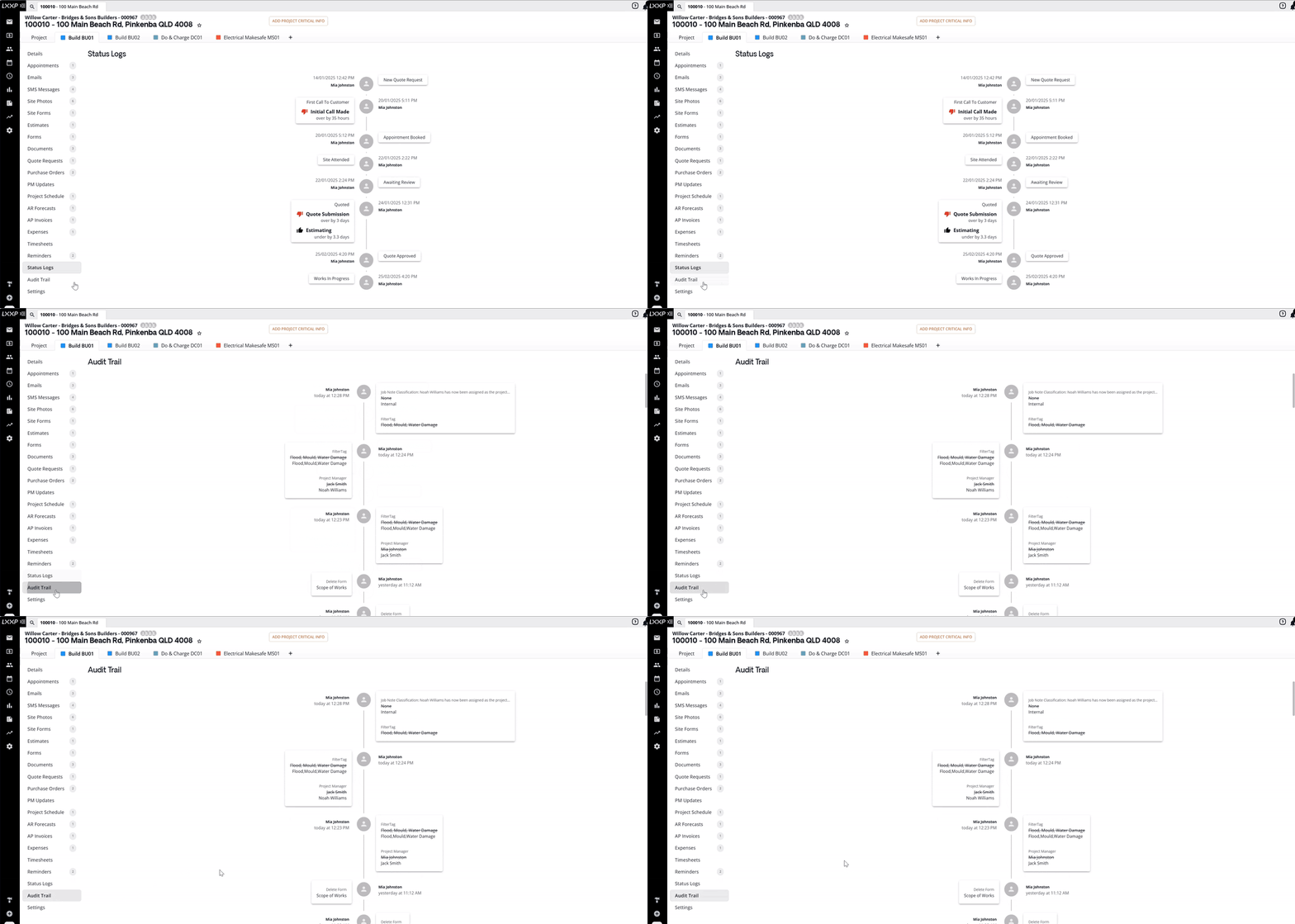
👉Audit Trail gives a timeline overview of key actions through the life of the job. This includes estimate status changes, quote requests and purchase order send and receipt, job role changes, and form creation and document generation.
Audit Trail on the Project Homepage
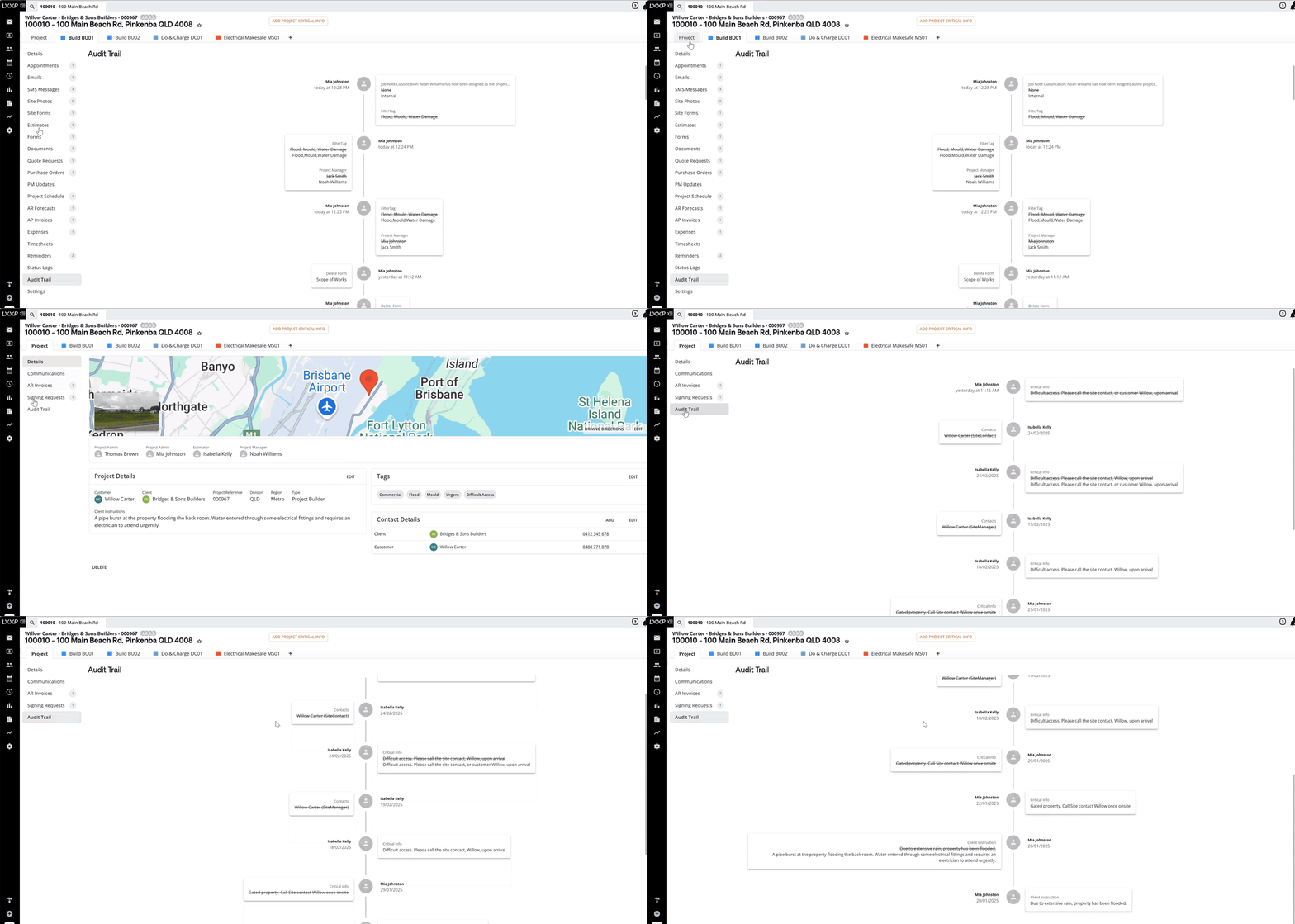
You'll also find an Audit Trail on the project homepage, under Project > Audit Trail. This gives a timeline overview of key actions and changes made to the project itself, such as critical info updates, contact changes, and client instructions.
FAQ
What's the difference between Status Logs and Audit Trail? Status Logs shows the chronological progression of a job's status changes. Audit Trail shows a broader timeline of key actions on the job, such as estimate status changes, quote requests, purchase orders, job role changes, and form/document activity.
Where do I find the project-level Audit Trail? On the project homepage, under Project, select Audit Trail from the left-hand side menu. This tracks changes at the project level rather than the job level.
Who can see who made a change? Every entry in both Status Logs and Audit Trail records the user who made the change, along with the date and time.
Can I use Audit Trail to track document or form activity? Yes, form creation, document generation, and similar actions are all captured in the job's Audit Trail.
❓ Need Help
If you have questions or need assistance, use the chat box in the bottom-right corner to contact the Loop Logics support team or email support@looplogics.com